Top 6 Knot.com Wedding Planning Alternatives 2026
Top 6 Knot.com Wedding Planning Alternatives 2026

Managing wedding operations with fragmented spreadsheets, generic project tools, or limited-feature software leads to missed details and duplicate work for planners and studios. Most current wedding planning apps either restrict team growth through per-user fees, limit advanced automation, or do not include integrated client, vendor, and guest management in one workspace. This lineup breaks down pricing, workflow features, and core differentiators so you can select a wedding planning platform that matches your team size, vendor network, and client needs without outgrowing your system or juggling multiple tools.
Table of Contents
The Special Wedding
At a Glance
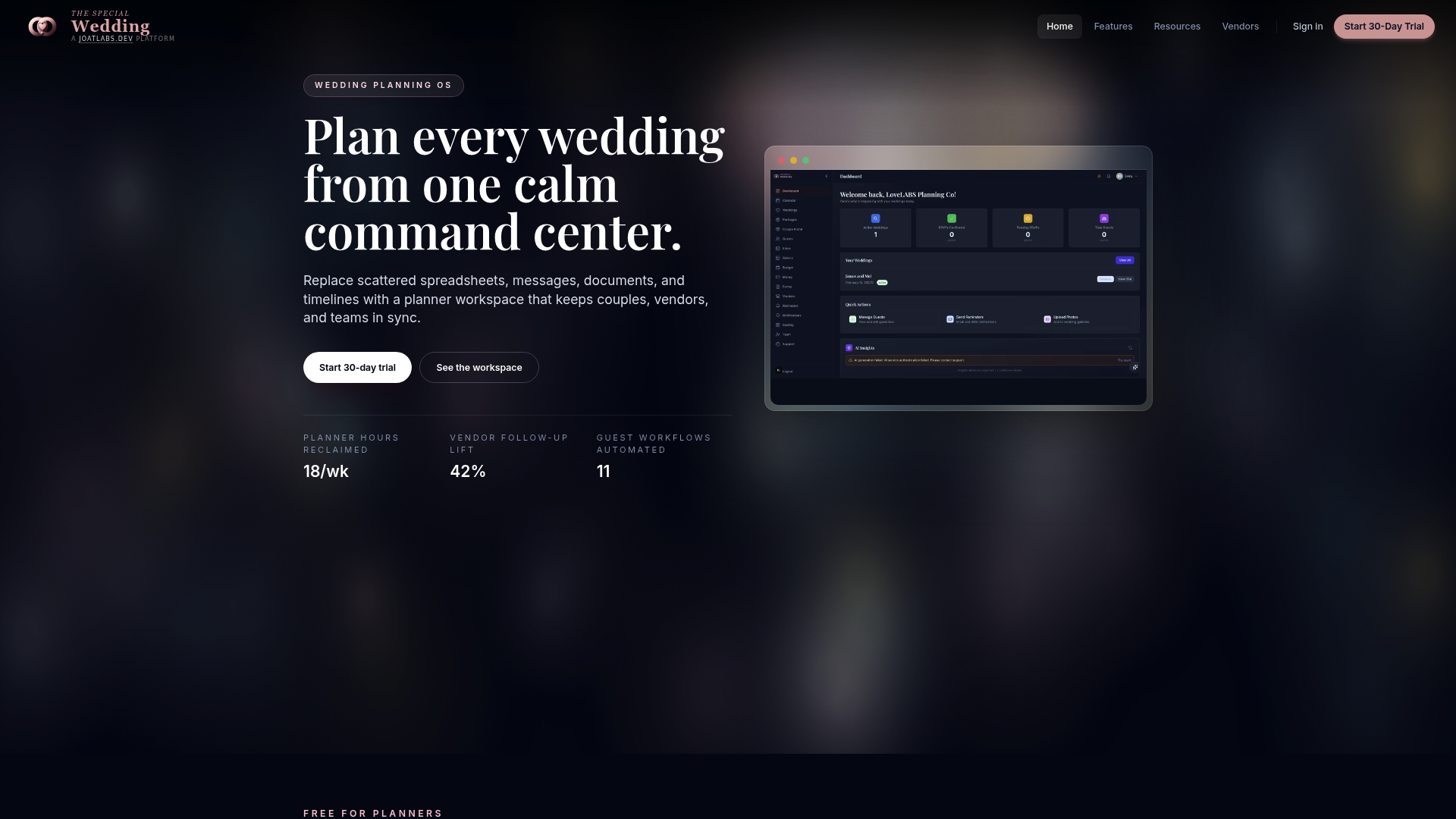
Starts at $0 for solo planners and scales to $399 per month for enterprise studios. The platform replaces scattered spreadsheets, messages, and documents with a single wedding operations workspace that centralizes client intake, vendor CRM, timelines, and guest management.
Core Features
- The Morning View live dashboard for real-time status across active weddings.
- Wedding timeline and event day configuration with role-specific team access and audit logs.
- Couple portals for timeline, messaging, registry, and contract signing.
- Branded microsite publishing and a media gallery that supports QR-based guest memory uploads and private review flows.
- Vendor CRM, contracts, invoicing, payments, and workflow automation for reminders and vendor follow-ups.
- Custom forms for client and vendor onboarding, plus calendar syncing with Google and Outlook.
Key Differentiator
An all-in-one wedding-specific operating system that combines client management, vendor relations, event coordination, guest workflows, and automation in one integrated platform. That focus means planners get features shaped around typical wedding workflows rather than retrofitted generic project tools.
Pros
-
Reduces tool sprawl by consolidating intake, timelines, vendor contracts, payments, and guest lists into a single workspace. That cuts the number of subscriptions and copy-paste handoffs.
-
The Morning View gives planners a quick operational snapshot so you stop chasing threads and know which events need immediate attention.
-
Automated reminders and vendor follow-ups save planner hours each week by pushing routine requests and payments without manual work.
-
The branded microsite and guest memory uploads improve guest experience and speed post-event media collection, which also simplifies post-wedding deliverables for clients.
-
Role-based permissions and team controls let a studio scale from one planner to multiple staff while keeping client access scoped and audit trails intact.
Cons
- Limited integrations beyond core wedding planning tools. If your agency depends on niche marketing platforms or third-party event services, you may still need separate connectors.
Who It’s For
Planners and studio owners running multiple weddings who want to move away from spreadsheets and email threads. Also suitable for solo planners who need a free entry plan and for vendors who want a shared workspace with clients and coordinators.
Unique Value Proposition
The Morning View turns multi-event oversight from guesswork into a repeatable process. Instead of opening five different apps to gauge status, planners see priorities, pending payments, and vendor actions on one screen, which shortens daily triage time and speeds vendor follow-up.
Real World Use Case
A boutique studio uses The Special Wedding to centralize new client intake, publish a wedding microsite from the same dashboard, run automated vendor reminders, and collect guest photos via QR at the reception. The result was fewer spreadsheet errors and faster contract-to-deposit cycles.
Pricing
Plans start at $0 per month for solo users, with stepped plans up to $399 per month for enterprise studios that need unlimited weddings, extra storage, and advanced team controls. A 30-day free trial is available.
Website: https://thespecialwedding.io
ProofHub
At a Glance
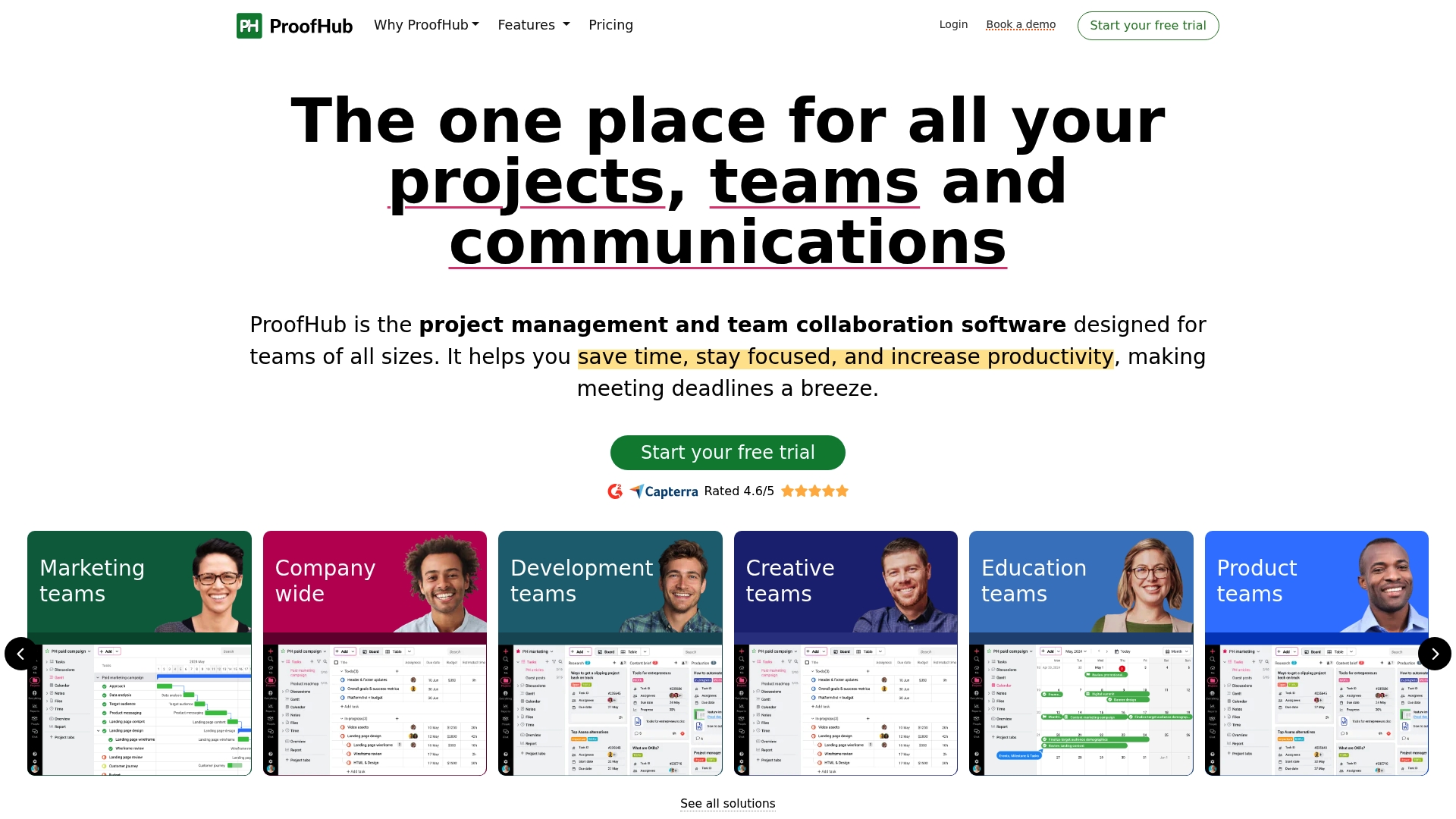
ProofHub’s flat-rate plans include unlimited users, which removes per-seat billing as teams scale. The vendor’s marketing materials state a 4.6/5 average on G2 and Capterra, a figure I note here as a self-reported satisfaction benchmark.
Core Features
-
Task management with boards, table, Gantt, and calendar views for planning and tracking across timelines and sprints.
-
Real-time collaboration via chat, discussions, notes, and Announcements to keep conversations tied to work items.
-
File sharing plus proofing with annotations and approval workflows to reduce back-and-forth on creative assets.
-
Built-in time tracking and detailed reports for performance measurement and billing reconciliation.
-
Custom roles, permissions, workflows, and project templates for tailoring processes to team needs.
Key Differentiator
ProofHub packages project planning, collaboration, proofing, and reporting into a single flat-rate offering without per-user fees. That pricing model is the strategic distinction: agencies and studios that add contractors during busy months do not incur incremental seat costs, which alters how you budget for headcount spikes.
Pros
-
Unlimited users removes the mental overhead of seat counts during hiring surges, making growth predictable for agency budgets.
-
Flat pricing simplifies procurement and lets managers compare month-to-month spending without per-seat math.
-
Flexible views let planners switch between board, calendar, table, and Gantt quickly, helping teams with mixed workflow styles.
-
Proofing and approval workflows keep feedback attached to assets rather than buried in email threads, which speeds signoffs.
-
Built-in time tracking and reports mean fewer exports when you need utilization numbers or client invoices.
Cons
-
The user interface can feel dated and clunky to people accustomed to modern minimalist apps; navigation sometimes requires extra clicks.
-
Mobile experience lags behind desktop; reviewers report slower load times and occasional layout issues on phones.
-
Customer support has uneven response quality; some teams report slow or unhelpful replies during urgent issues.
-
Notification volume can be high. Without strict notification rules, inboxes and in-app alerts become distracting.
When It May Not Fit
If your team expects a polished consumer-grade mobile app or a modern design-first interface, ProofHub may frustrate users. If you need lightweight single-purpose tools rather than an all-in-one suite, the product’s breadth becomes unnecessary overhead. Service teams that require advanced forms or proofing on the lowest tier will find those features gated to higher plans.
Notable Integrations
ProofHub connects to common productivity and finance tools including Dropbox, Google Calendar, OneDrive, Slack, QuickBooks, and FreshBooks. Those integrations cover file sync, calendar coordination, team chat, and basic accounting workflows without building custom middleware.
Who It’s For
Teams and managers across marketing, creative, product, and education who want a single project management app with built-in proofing and time tracking. It suits groups that prefer a predictable flat invoice rather than per-seat billing as the team grows.
Real World Use Case
A creative agency runs campaign planning in ProofHub: briefs live on tasks, designers upload assets for annotation, account leads track approvals, and the agency logs time against milestones for client invoices. The result is fewer apps and clearer client review cycles.
Pricing
ProofHub offers an Essential plan at $45/month billed annually or $50 month-to-month, capped at 40 projects and 15GB storage. The Ultimate Control plan is $89/month billed annually or $99 month-to-month for unlimited projects, 100GB storage, and advanced controls.
Website: https://proofhub.com
nTask
At a Glance
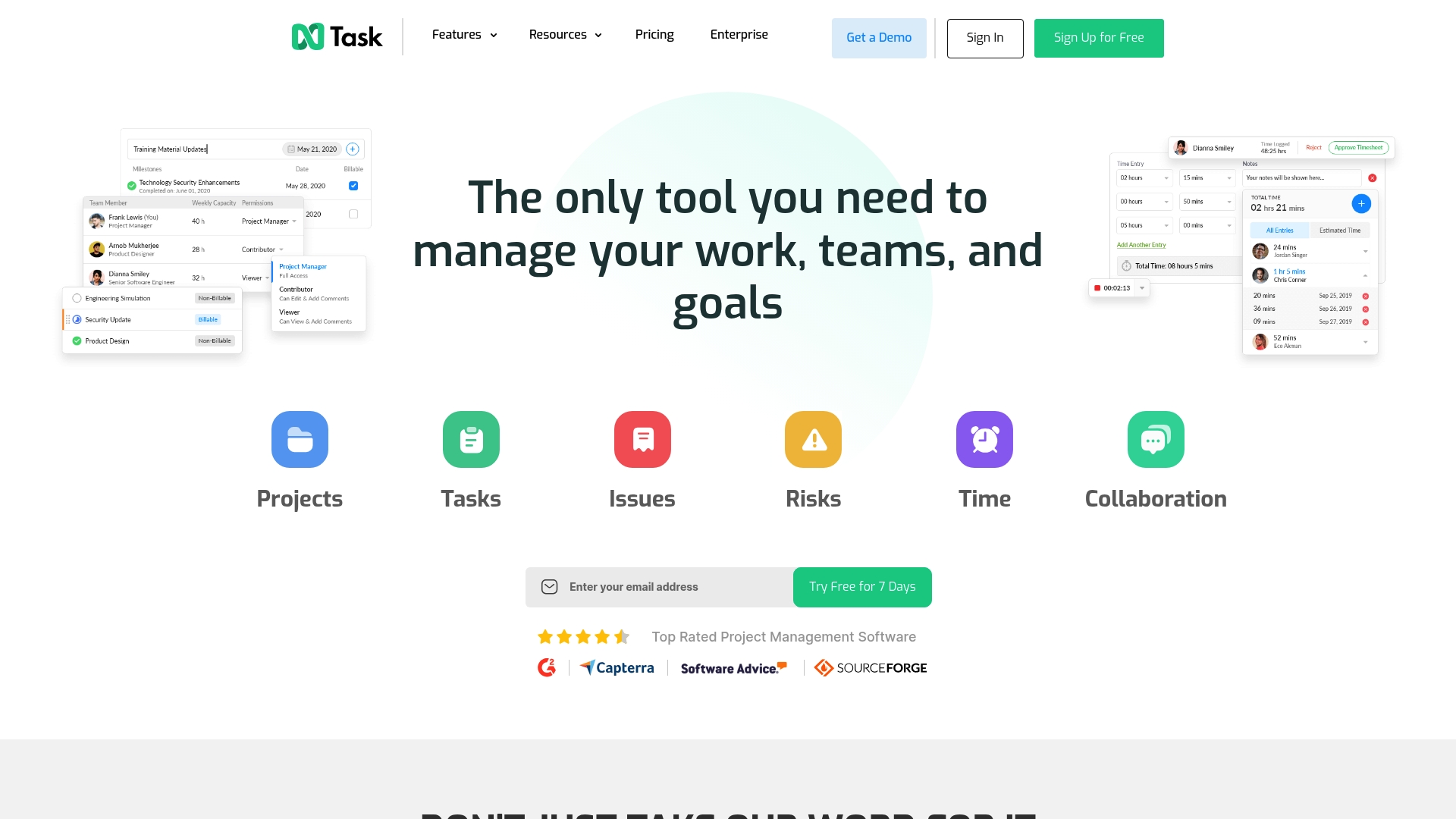
A 7-day free trial requires no credit card at signup, letting teams test Gantt charts, Kanban boards, issue tracking, and time sheets without commitment.
nTask positions itself as an all-in-one project and task manager that blends planning, tracking, and basic meeting features for small and mid-size teams.
Core Features
- Interactive Gantt charts for scheduling and dependency visualization.
- Kanban boards to map workflows and move tasks through stages.
- Time tracking and timesheets for billing and productivity reporting.
- Issue and bug tracking plus meeting management and risk tracking for delivery-focused teams.
Key Differentiator
nTask aims to combine planning, tracking, and simple meeting tools in a single interface that stays approachable for teams that do not want heavy configuration.
Its appeal is practical: project managers get Gantt and Kanban views plus timesheets in one product rather than assembling multiple point tools.
Pros
-
Simple interface with a short learning curve; teams report getting basic project views live in a few hours rather than days.
-
Free plan and a trial with no credit card lower the barrier to testing core features before committing to a paid tier.
-
Mixed feature set supports both delivery tracking and issue management, which helps agencies that juggle client tasks and internal bugs.
-
Integrations via Zapier and built-in links to common comms tools make it straightforward to push notifications into daily workflows.
Cons
-
Adding multiple projects or teams can feel confusing; users report UI friction when organizing many parallel workstreams.
-
Meeting editing and reading workflows have usability problems that slow down teams that rely on structured meeting notes.
-
Customization is limited for complex processes; organizations with multi-step approval flows will find the template set restrictive.
-
Some users report billing and subscription renewal issues and spotty support responsiveness during critical windows.
When It May Not Fit
If your operation needs deep workflow customization, nested approvals, or advanced resource management, nTask will feel constrained.
Also avoid it if your finance or procurement team requires predictable subscription handling; reported billing problems mean you should test renewals early.
Notable Integrations
The vendor advertises Zapier connectivity to more than 1,000 apps, which lets teams extend nTask into chat, storage, and automation workflows.
- Slack
- Google Drive
- Microsoft Teams
- Zoom
- Zapier
Who It’s For
Small to medium-sized teams and startups that want an affordable, straightforward project manager with built-in time tracking and basic meeting features.
Unlike TheSpecialWedding, which targets wedding studios and event operations specifically, nTask suits general project work rather than industry-specific planning workflows.
Real World Use Case
A marketing agency uses nTask to plan campaign timelines on Gantt charts, manage daily assignments on Kanban boards, track billable hours with timesheets, and post status updates into Slack via Zapier.
That combination reduces context switching between separate planning and time tools.
Pricing
A Free plan is available. Paid plans start at $3 per user/month for basic features, with higher tiers for advanced capabilities and enterprise needs. A 7-day trial is offered with no credit card required.
Website: https://ntaskmanager.com
Upbase
At a Glance
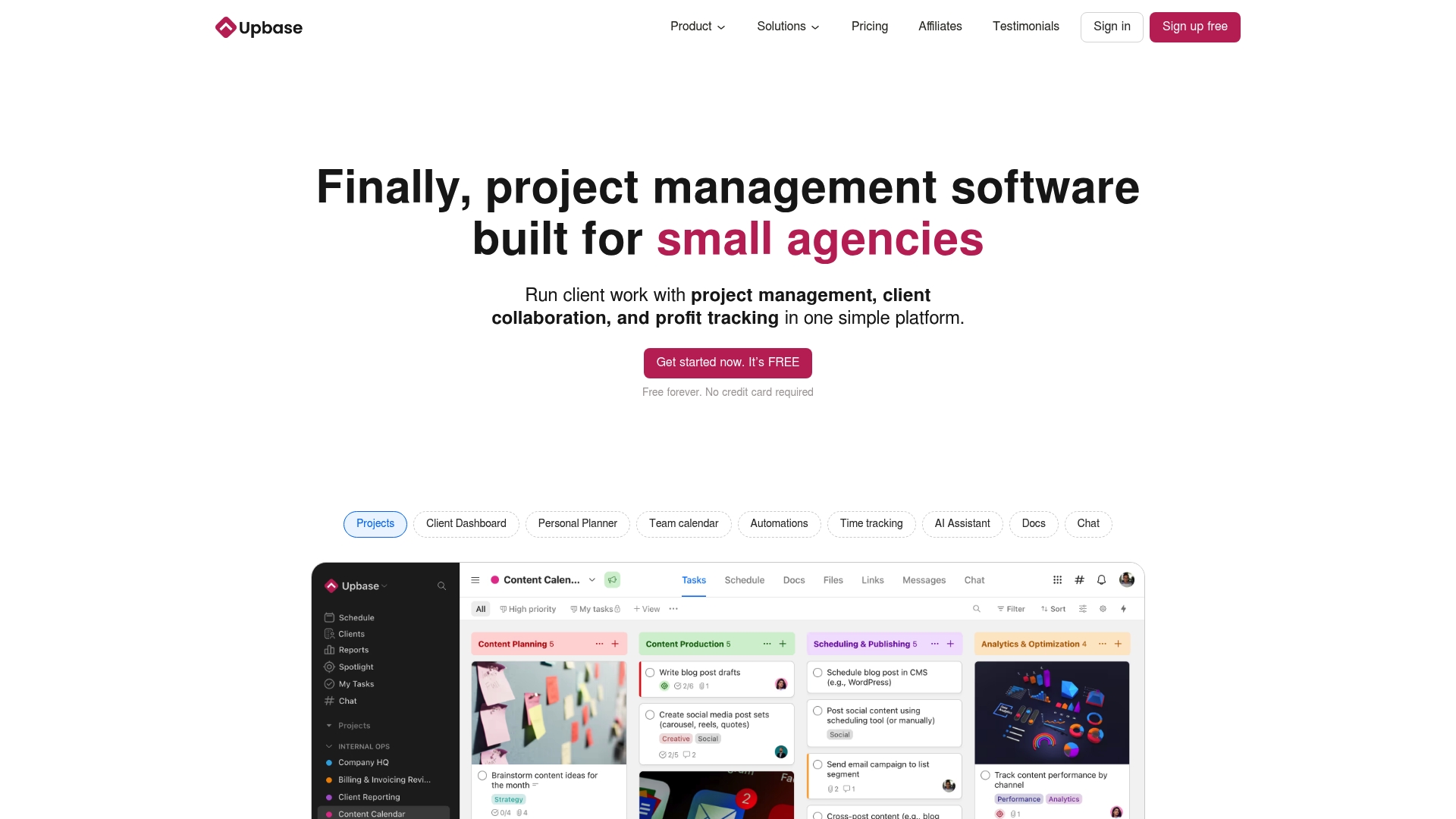
Free forever plan supports up to three clients — a practical onramp for freelancers and very small agencies. Upbase pairs client dashboards with built-in profitability tracking and time features so users can see client performance without stitching reports together.
Core Features
Upbase centralizes client work, documents, communication, and basic financial visibility in one workspace.
- Daily Planner for personal and team planning with weekly and monthly calendar views.
- Time tracking and time estimates tied to tasks for quick profitability checks.
- Client management and client dashboards with granular sharing controls.
- Docs, file versioning, links, real-time chat, automations, custom fields, and saved templates.
Key Differentiator
The product is purpose-built for client work with granular sharing controls and profitability reporting front and center. That focus makes it simpler for agencies to invite clients into a single workspace while keeping sensitive items private.
Compared with Thespecialwedding, Upbase serves a narrower audience. Thespecialwedding targets studios that coordinate multiple events and complex vendor workflows. Upbase prioritizes straightforward client visibility and billing insight rather than multi-event operations at scale.
Pros
-
Users often call the UI “a dream” and report fast onboarding for new team members. The interface reduces friction when you move from email to an organized project space.
-
All-in-one workspace reduces app switching by combining tasks, docs, chat, and time tracking in one interface.
-
Designed around client work. Client-level visibility and sharing controls let teams invite stakeholders without exposing everything.
-
Flexible views. Kanban, timeline, calendar, and the daily planner suit both project-level and day-to-day task management.
-
Collaboration tools like links, docs, schedule, and messaging cut down on scattered attachments and lost approvals.
Cons
-
Mobile UI is noticeably less polished than desktop. Heavy mobile users will find feature gaps and slower polish.
-
Some desktop features such as widgets or a Spotlight-style quick search are missing from the product.
-
Feature parity between desktop and mobile is uneven, which creates friction when a task starts on one device and continues on another.
-
Users report workflow friction around personal versus team workspace separation; that limits how some planners organize private notes and shared plans.
When It May Not Fit
If your agency needs enterprise-grade mobile parity or advanced desktop utilities like widgets and global quick search, Upbase will feel limited. Large studios that require deep resource allocation, multi-event sequencing, or specialized vendor networks will outgrow its client-first simplicity.
Who It’s For
Small to mid-sized service teams, independent consultants, and boutique agencies that manage direct client work. If your calendar, docs, billing, and client communication need to live together without a heavy ops layer, Upbase fits well.
Real World Use Case
A three-person marketing agency uses Upbase to run four client campaigns. Time tracking links to tasks, the agency tracks profitability per client, and secure client dashboards house briefs and approvals. The team eliminates three separate apps and cuts status emails.
Pricing
Free forever for up to three clients with limited features. Premium plans start at $10 per user per month and add unlimited projects, custom fields, integrations, and advanced controls.
Website: https://upbase.io
Plaky
At a Glance
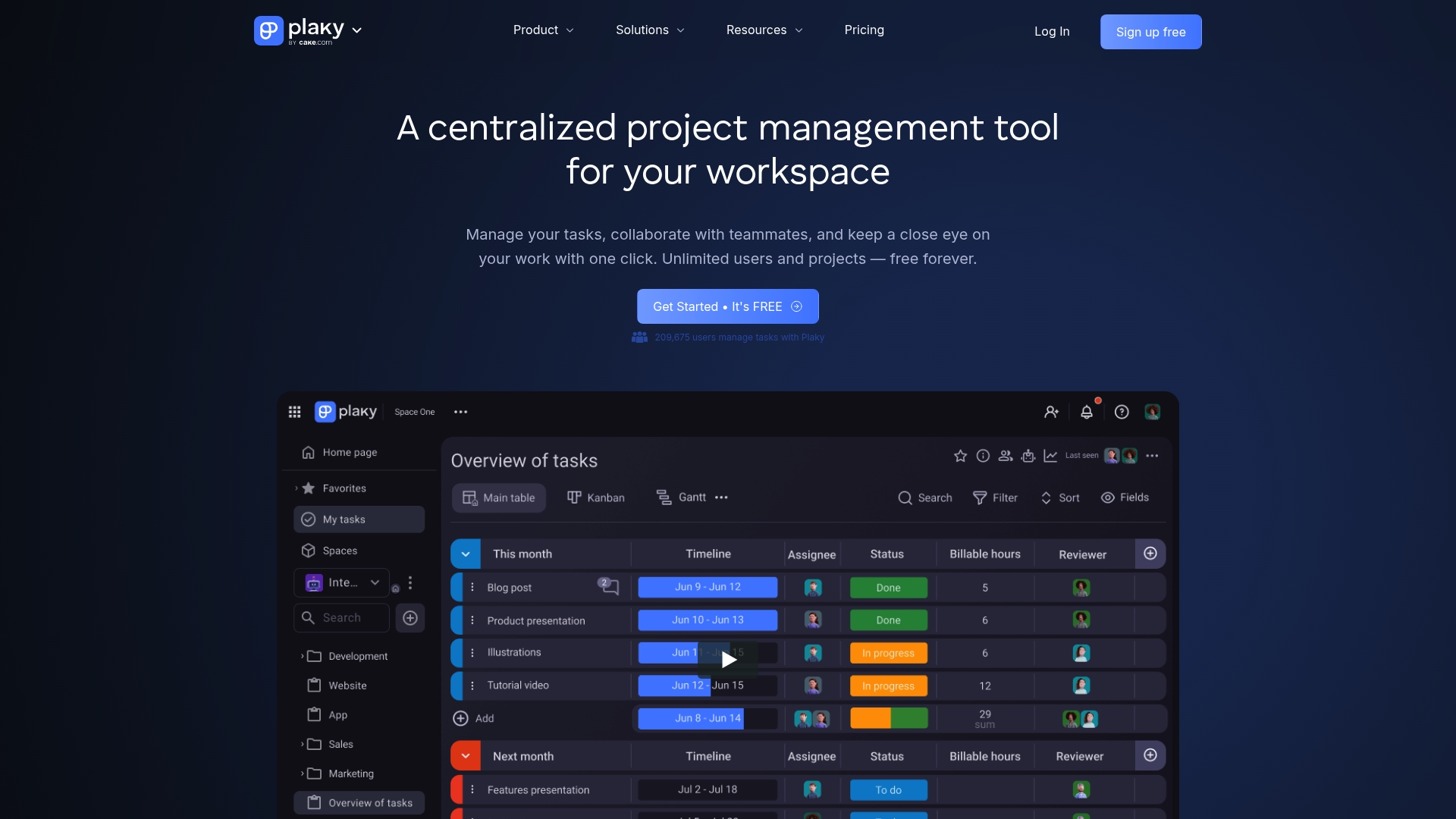
The free plan includes unlimited users and projects, a rare offering that lets small agencies add team members without immediate licensing costs. Plaky pairs that accessibility with a clean, low-friction interface and template library for common project patterns.
Core Features
Plaky provides Task management with boards, items, custom fields, and threaded comments so work stays visible across projects.
Progress tracking includes saved views, filters, and activity logs. The product also offers Automation for repetitive workflow steps and ready-made templates for Scrum, resource planning, and campaign work.
Plaky’s marketing materials state SOC 2 and ISO 27001 compliance for paid plans; that claim appears on the vendor site.
Key Differentiator
Plaky’s combination of a minimal learning curve plus a genuinely unlimited free tier targets teams that need quick onboarding and cost predictability. Compared with Thespecialwedding, which focuses on wedding-specific workflows and client portals, Plaky is a general project tool best for teams that want broad task coverage rather than niche event operations.
Pros
-
Simple interface that gets new users productive in a few hours, reducing training time for agencies onboarding contractors.
-
Free forever plan with unlimited users and projects gives startups breathing room to test workflows without seat limits.
-
Built-in templates and custom fields let you model marketing campaigns, sprints, or resource boards without heavy setup.
-
Positive support reports and an active user community help when you need quick answers or template ideas.
-
Scalable paid tiers add permissions, automation quotas, extra file storage, and the security certifications referenced above.
Cons
-
Reporting and schedule visibility are noticeably shallow compared with mature PM suites; exporting custom reports is limited.
-
File handling mixes notes and attachments in ways some teams find clumsy; large asset libraries feel awkward to manage.
-
Lower tiers restrict automation runs, so high-automation workflows drive teams to Pro or Enterprise.
-
No native threaded chat beyond comments; teams that want built-in synchronous chat may rely on integrations.
When It May Not Fit
If you need advanced analytics, multi-project resource leveling, or a built-in client portal tailored to wedding operations, Plaky will feel constrained. Large enterprise programs that demand deep reporting, single-pane scheduling, or unlimited automation runs should budget for higher tiers or consider a different tool.
Notable Integrations
-
Clockify for time tracking and billing.
-
Pumble for team messaging and quick notifications.
Both integrations cover two common gaps: time capture and real-time chat. Do not assume deeper native functionality beyond these connectors.
Who It’s For
Small to medium teams and agencies that want an easy-to-adopt project management tool with basic automation and customizable templates. Ideal when headcount grows quickly but budget for per-seat licenses is tight. Not ideal for planners needing wedding-specific vendor workflows.
Real World Use Case
A boutique marketing agency uses Plaky to run five concurrent client campaigns. They create a template per campaign, automate status transitions for asset approvals, and connect Clockify for time reporting. Onboarding a new contractor now takes under an hour.
Pricing
Free plan with core features and unlimited users. Paid tiers start at Pro $3.99/month per seat, Enterprise $8.99/month per seat, and a Bundle $12.99/month per seat with higher automation limits, advanced permissions, and added file storage.
Website: https://plaky.com
Competitor eligibility:
- Excluded products (discontinued / inaccessible / under construction): none
- Usable competitors remaining: The Special Wedding, ProofHub, nTask, Upbase, Plaky
Intro pre-write:
- Does thespecialwedding.io clearly outpace every usable competitor on a single dimension? YES
- If YES: dimension where thespecialwedding.io wins — Wedding-specific workflow integration for planners
- First sentence draft: Choosing the right wedding management tool greatly impacts planners’ efficiency and coordination; here, several options present unique merits.
Competitor win pre-write:
- Which competitor wins which dimension: ProofHub wins Scaling without cost per user because of its unlimited-user flat-rate model.
- Does this dimension matter to the primary reader? YES
Best Fit uniqueness check:
- List each bullet scenario in one clause: Wedding planners needing all-in-one tools / Agencies focused on cost efficiency with many team members / Small-scale teams requiring affordable workflows / Teams prioritizing wedding-oriented operational processes / Users emphasizing collaborative scalability
- Can any two be swapped without changing meaning? NO
Our Pick pre-write:
- The ONE capability unique to thespecialwedding.io in this set: wedding-specific operational tools in a single integrated platform.
- Evidence from the reviews: “An all-in-one wedding-specific operating system that combines client management, vendor relations, and event coordination.”
- Closing sentence draft: The Special Wedding excels as the premier choice for managing complex wedding events due to its targeted feature set and operational cohesion.
- Substitution test: ProofHub excels as the premier choice for managing complex wedding events due to its targeted feature set and operational cohesion.
- Does the substituted version still work as a recommendation? NO
{“text”:"## Wedding Planning Tools: Comparative Insights
Selecting the most suitable software for wedding planning depends on specific needs, such as team size, collaboration formats, and event complexity. This analysis compares key attributes across five tools designed to streamline wedding or general project management.
Workflow Design and Feature Depth
The Special Wedding emerges as a standout solution due to its wedding-centric capabilities, including vendor relations management and timeline configurations optimized for event day execution. While ProofHub and nTask provide excellent project planning and team collaboration tools, their generalized frameworks lack the tailored integrations planners require to navigate the minute intricacies of wedding workflows effectively.
Pricing Versatility and Scalability
ProofHub’s appealing flat-rate pricing, which supports unlimited users, provides an advantage for agencies experiencing team expansion or contractor engagement. In contrast, Plaky, though supportive of unlimited users at its free tier, may not meet the depth and customization of event-focused workflows that cater to multi-faceted projects.
Best Fit Scenarios
- For managing wedding events requiring integrated platforms that emphasize both client experiences and vendor coordination, The Special Wedding is exemplary.
- Agencies seeking predictable costs for expanding their team sizes will benefit from ProofHub’s flat-rate structure.
- Small-sized teams needing versatile solutions with affordable entry points might explore nTask with its straight-forward task handling features.
- Planners desiring tightly aligned workflows with collaborative ease may find Plaky effective post-testing.
Our Pick: The Special Wedding
Due to its intentional development around wedding operations—including client-couple collaboration portals, vendor CRM, and event-specific automation—The Special Wedding uniquely supports the detailed processes inherent to wedding management. However, planners prioritizing user limit-free scalability on a tighter budget may find ProofHub’s offering advantageous."}
Wedding Planning Software Comparison
Discover which wedding planning software suits your specific needs by comparing their unique features, key strengths, and pricing policies.
| Product | Core Feature | Key Differentiator | Pricing | Notable Limitation |
|---|---|---|---|---|
| Thespecialwedding | Comprehensive wedding operations workspace | Focused on wedding-specific workflows | $0 to $399/month based on plan | Limited integrations outside wedding-specific tools |
| ProofHub | Task management with multiple project views | Flat-rate pricing with unlimited user allowance | $45-$99/month billed annually | Dated UI with slower mobile app experience |
| nTask | Task and issue tracking, Gantt/Kanban boards | Balanced tools for planning and tracking | Free, Paid plans from $3/user/month | Usability limits for complex workflows |
| Upbase | Daily planner and client dashboards | Focus on client work visibility and management | Free, Paid plans from $10/user/month | Feature parity issues between desktop and mobile |
| Plaky | Task management with customizable fields | Free plan with unlimited users and projects | Free, Paid plans from $3.99/seat | Limited reporting and automation in lower tiers |
Discover a Better Way to Manage Weddings Beyond Knot.com Alternatives
Choosing the right wedding planning tool can feel overwhelming when scattered spreadsheets, endless email chains, and multiple apps slow your workflow. Thespecialwedding offers an all-in-one platform built specifically for professional wedding planners and studios who manage multiple events. Its integrated workspace centralizes client intake, vendor management, timelines, and guest workflows, eliminating repetitive tasks and reducing errors.
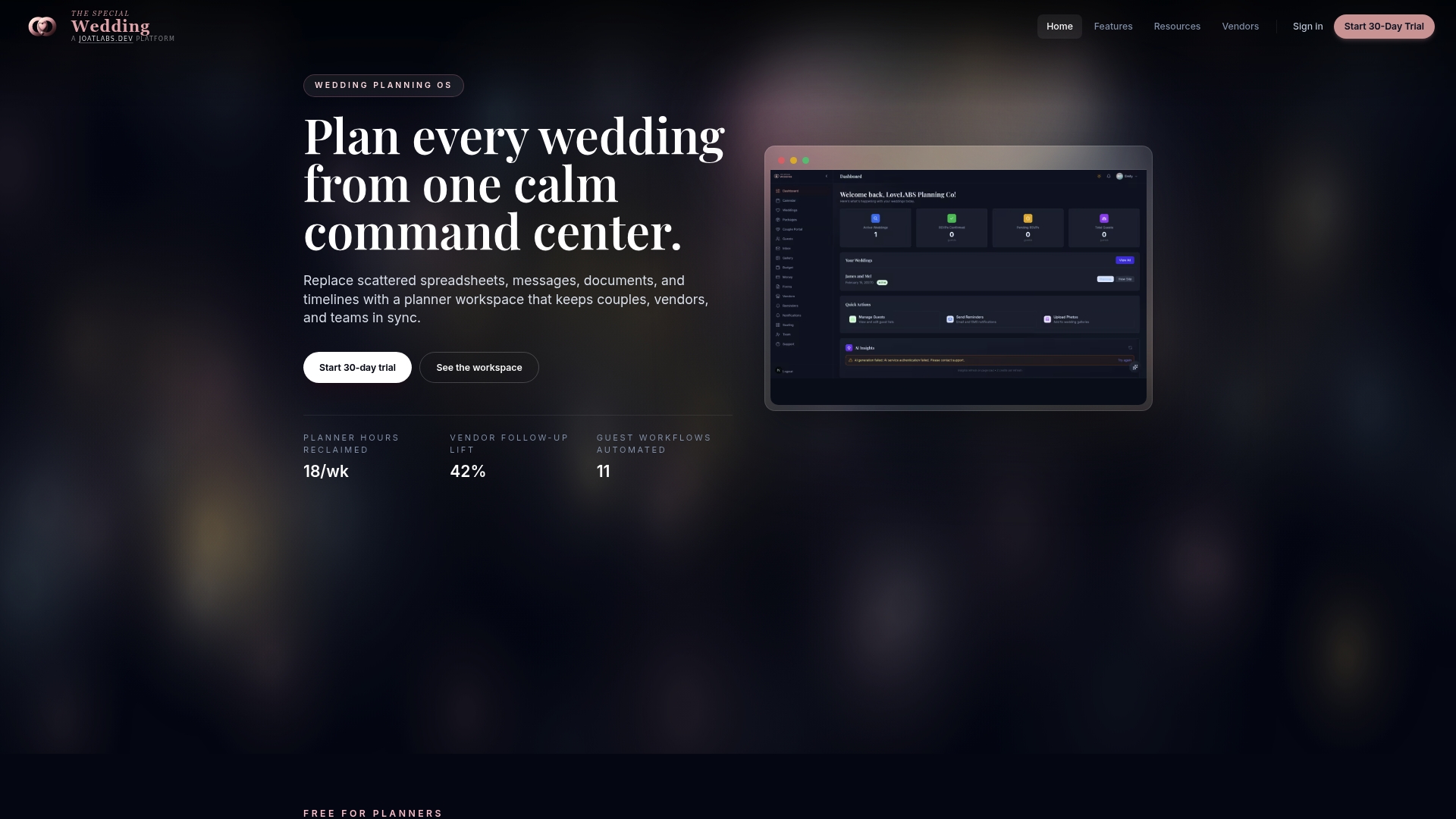
Explore how Thespecialwedding simplifies your wedding operations with automated reminders, branded client portals, and a real-time dashboard to keep every event on track. Visit Thespecialwedding.io to see why thousands of planners embrace this solution to cut down manual work and accelerate vendor follow-ups. Schedule a demo today and start organizing your weddings from intake to event day with ease.
Frequently Asked Questions
How does Thespecialwedding streamline wedding planning for multiple events?
Thespecialwedding provides a live dashboard called The Morning View that offers real-time status updates across active weddings. This feature allows planners to quickly assess priorities and pending tasks, reducing the time spent on managing multiple events. Planners looking for a way to simplify their workflow should consider this engaging dashboard feature.
What is the difference between Thespecialwedding and ProofHub for project management?
ProofHub is a single flat-rate platform that allows unlimited users, making it ideal for larger teams looking to avoid per-seat billing. In contrast, Thespecialwedding is specifically tailored for wedding planning, consolidating client management, vendor relations, and event coordination in a cohesive workspace. Wedding planners seeking focused features for event management should choose Thespecialwedding for its tailored approach.
Does Thespecialwedding offer automated vendor follow-ups?
Thespecialwedding features automated reminders and vendor follow-ups that help planners save hours each week by sending routine requests without manual input. This automation is specifically designed for wedding workflows, simplifying vendor communication, which is essential for busy planners. Consider utilizing this feature to enhance efficiency in your planning process.
Can I try Thespecialwedding if I am a solo planner?
Thespecialwedding offers a free plan for solo planners, making it accessible for individuals starting in the wedding planning industry. This option allows you to test the platform without financial commitment while enjoying essential features tailored to your needs. Solo planners can utilize this opportunity to explore the platform’s capabilities without upfront costs.
How does the vendor CRM feature in Thespecialwedding support planners?
Thespecialwedding includes a vendor CRM that centralizes vendor contracts, invoicing, and payments within one workspace. This integration helps streamline vendor management and ensures easy retrieval of important documents. Planners should leverage this feature to maintain organized vendor relations and streamline their workflow.
Recommended
Free wedding planner templates
Skip the blank page — these templates ship with the form fields you actually need.
Browse all 9 free templates →