Top 6 nuptialapp.com Alternatives for Wedding Planning 2026
Top 6 nuptialapp.com Alternatives for Wedding Planning 2026
Finding wedding planning software that fits team workflows, budget limits, and integration needs across multiple events is still harder than it should be. Many platforms gate core features behind higher-priced tiers or require direct sales engagement just to learn about pricing and integration support. This comparison covers pricing, integration scope, and workflow features across six alternatives so planners can select software aligned to their event volume and business model.
Table of Contents
The Special Wedding
At a Glance
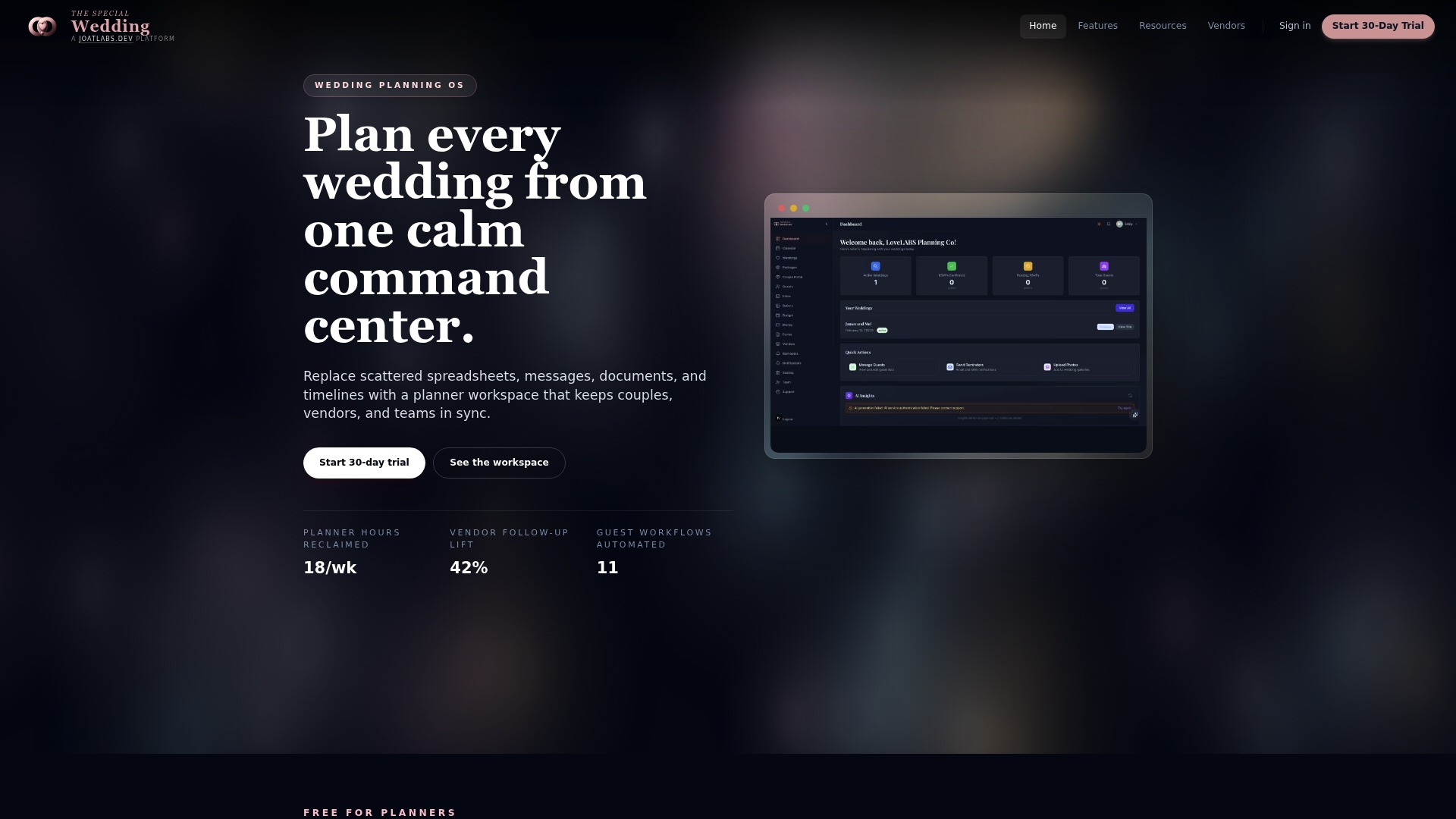
Free for solo users with one wedding. Paid plans scale to boutique, agency, and enterprise tiers starting at $49/month. The platform replaces scattered spreadsheets, messages, and documents with a single planner workspace that keeps couples, vendors, and teams in sync across multiple events.
Core Features
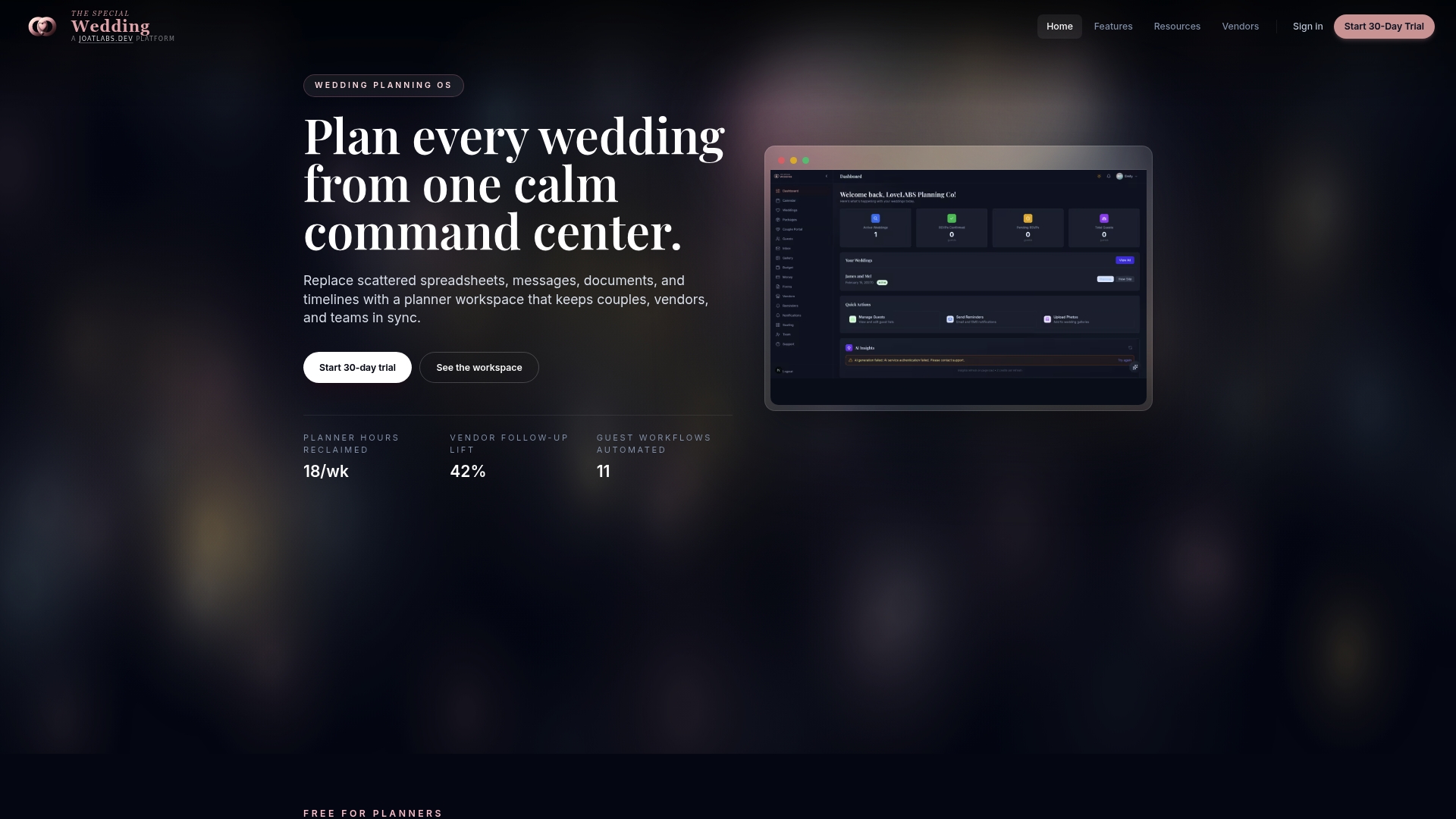
The Special Wedding centralizes wedding configuration, timelines, guest list and RSVP management, seating arrangements, and vendor onboarding into one workspace. It includes client portals, media galleries, day-of check-in tools, and contract workflows that support vendor CRM and follow up. The product also exposes AI-driven insights, customizable templates, automated workflows, and real time dashboards for multi event visibility.
Key Differentiator
The Special Wedding positions itself as an operating system built specifically for wedding professionals, combining planning workflows, client communication, vendor relations, and website publishing into a single product. That focus on wedding centric workflows keeps event details, vendor contracts, and client touchpoints together in one dashboard. The microsite publishing and RSVP flow arrive as a practical extension of those workflows rather than a separate add on.
Pros
You can move client intake, vendor onboarding, timelines, and guest management out of spreadsheets and into one planner workspace to reduce tool switching. The platform includes client portals and media galleries so couples see the same details your team does. Built in automations and AI driven insights help flag missing tasks and speed vendor follow up for teams managing multiple weddings.
Cons
- May not support extensive third party integrations or plugins, which can require manual steps to connect niche vendor tools.
Who It’s For
This fits wedding planners, studios, and agencies that manage multiple weddings and want a single operational platform tailored to wedding work. Solo planners on a tight budget benefit from the free tier for one wedding. Larger teams will find team roles, permissions, and branded options useful for scaling service delivery.
Unique Value Proposition
Wedding microsite auto publishing with a built in RSVP flow turns the client website into a live planning touchpoint. That feature reduces repetition from emails and phone calls by keeping guest responses and event details synced to the planner workspace. The result is fewer lookup errors and faster vendor confirmations during the final planning weeks.
Real World Use Case
A wedding studio uses The Special Wedding to run five concurrent events. The team publishes microsites for each couple, tracks RSVPs from the same dashboard, and assigns vendor tasks with contract workflows. Day of, staff use the check in and seating tool to cut last minute confusion and keep timelines on track.
Pricing
The product offers a free tier for solo planners with one wedding. Paid plans start at $49/month for boutique, $149/month for agency, and $399/month for enterprise. Team features, branding options, and higher event limits appear on the paid tiers.
Website: https://thespecialwedding.io
Aisle Planner Pro
At a Glance
Aisle Planner Pro reports a 35% revenue increase for one planner over a single year. The platform includes a 30-day free trial across all plans. That mix of sales tools and client-facing features aims to convert inquiries into paid bookings.
Core Features
Aisle Planner Pro bundles event checklists, timelines, budgets, and vendor management into a single project workspace. It pairs a CRM-style lead system with automated inquiry tracking and follow-ups, and accepts payments through Wedpay for proposals and invoices. The software also provides a client portal and project task management for team coordination across multiple events.
Key Differentiator
Combines planning, client collaboration, sales, and payment processing inside one interface, with automation and a client portal at its center. That arrangement reduces tool switching for teams that manage proposals, invoices, and event timelines within the same workflow. The platform targets event pros who want both sales and delivery in one product.
Pros
Aisle Planner Pro supports a wide set of event roles, from wedding planners to caterers, which makes client handoffs easier when teams include external vendors. The platform consolidates lead capture, proposals, and payments into one workflow, reducing double entry between sales and operations. Automation and the client portal shorten follow-up cycles and improve client visibility into timelines and files. Plans are flexible and include a full 30-day trial, which lowers the barrier to testing the system with real projects.
Cons
- Trustpilot comments indicate a steeper learning curve for some teams and occasional reliability issues.
- Pricing grows with higher project volumes, which raises costs for planners who run many concurrent events.
- Reporting capabilities are less advanced than some dedicated analytics tools, limiting deeper financial or resource analysis.
- Heavy reliance on internet access may reduce functionality for teams that work offline at venues.
When It May Not Fit
If your studio needs advanced custom financial reports or an offline-first workflow, Aisle Planner Pro may not match those requirements. Large agencies with extremely high project volumes should model costs before committing, because tiered pricing can become costly as event counts rise. Teams that prefer separate best-in-class tools for CRM and accounting may find the combined approach restrictive.
Who It’s For
Event professionals who manage multiple simultaneous projects and want a unified sales-to-delivery workflow will get the most value. Ideal users include wedding planners, venue coordinators, caterers, and florists who need shared timelines, proposal generation, and client access. Small to mid sized studios that want one hub for inquiries, contracts, and payments will find the feature set relevant.
Real World Use Case
A planner uses Aisle Planner Pro to intake leads, send a proposal, collect a deposit via Wedpay, and open a client portal for files and timelines. The planner coordinates vendors and tasks inside the same project, reducing email threads and missed follow-ups. That consolidated workflow supports faster client responses and clearer vendor instructions.
Pricing
Plans start at $49.99/month for up to 15 projects, with tiered options for higher volumes. All plans include a 30-day free trial and flexible upgrade paths for growing teams.
Website: https://aisleplanner.com
BriteBiz
At a Glance
BriteBiz’s marketing materials state a 4.8 out of 5 overall rating from user reviews. The platform centralizes inquiries, proposals, contracts, payments, and post-event surveys into a single workflow. That consolidation, paired with built-in AI and broad integrations, positions it as a tool focused on reducing manual handoffs across sales and operations.
Core Features
BriteBiz combines lead capture from websites and social channels with proposal and contract generation, payment processing, and post-event reporting. The platform includes a client portal for real-time communication and document sharing, plus dashboards that surface sales, operations, and financial insights. Integrations cover accounting, payments, marketing, and scheduling to keep data synchronized across business systems.
Key Differentiator
BriteBiz unifies the full event lifecycle while embedding AI features to assist routine tasks. The vendor emphasizes workflow continuity from lead to final report. That focus targets venues and planners that want fewer handoffs between sales, operations, and finance.
Pros
The platform delivers an all-in-one approach that replaces spreadsheets and scattered tools, which helps teams keep client records and contracts in one place. Integrations with accounting and payment tools reduce duplicate entry and make reconciliation easier. Reviewers praise the user experience for mobile responsiveness and cite strong customer support and onboarding that speeds adoption across venue teams.
Cons
-
Public documentation and some site pages return page not found errors, suggesting gaps in available product detail.
-
Pricing information is not listed publicly, which complicates budgeting for smaller planners.
-
Available reviews do not include detailed negative feedback, so independent weaknesses are hard to verify.
When It May Not Fit
If you need transparent, self-serve pricing on a public page, BriteBiz may not fit your procurement process. Solo planners on a strict monthly budget could find the likely custom quoting model inconvenient. Teams that require exhaustive public documentation for IT or procurement approval may need more detail than currently available.
Notable Integrations
Connects to accounting and payment providers such as QuickBooks, Xero, Stripe, and Authorize.net. It also links marketing and scheduling channels including Facebook, Google Mail, Google Calendar, Google Ads, Outlook Mail, Calendly, Mailchimp, and Panda Doc.
Who It’s For
BriteBiz fits wedding venues, event professionals, and multi-location groups that manage multiple events and need a single operational system. Teams that coordinate sales, contracts, vendor schedules, and client communication will see the most benefit. Organizations that plan to integrate accounting and payments into their workflow will find the integration set useful.
Real World Use Case
A wedding venue uses BriteBiz to capture leads from the website and social ads, convert them into branded proposals, and collect deposits through Stripe. The venue shares contracts and floor plans in the client portal and runs post-event surveys to close out accounts. That process reduces email threads and speeds payment reconciliation.
Pricing
Pricing is not specified on public pages. The offering appears to use subscription or custom quote pricing, so you must contact sales for exact tiers and fees.
Website: https://britebiz.com
Sonas
At a Glance
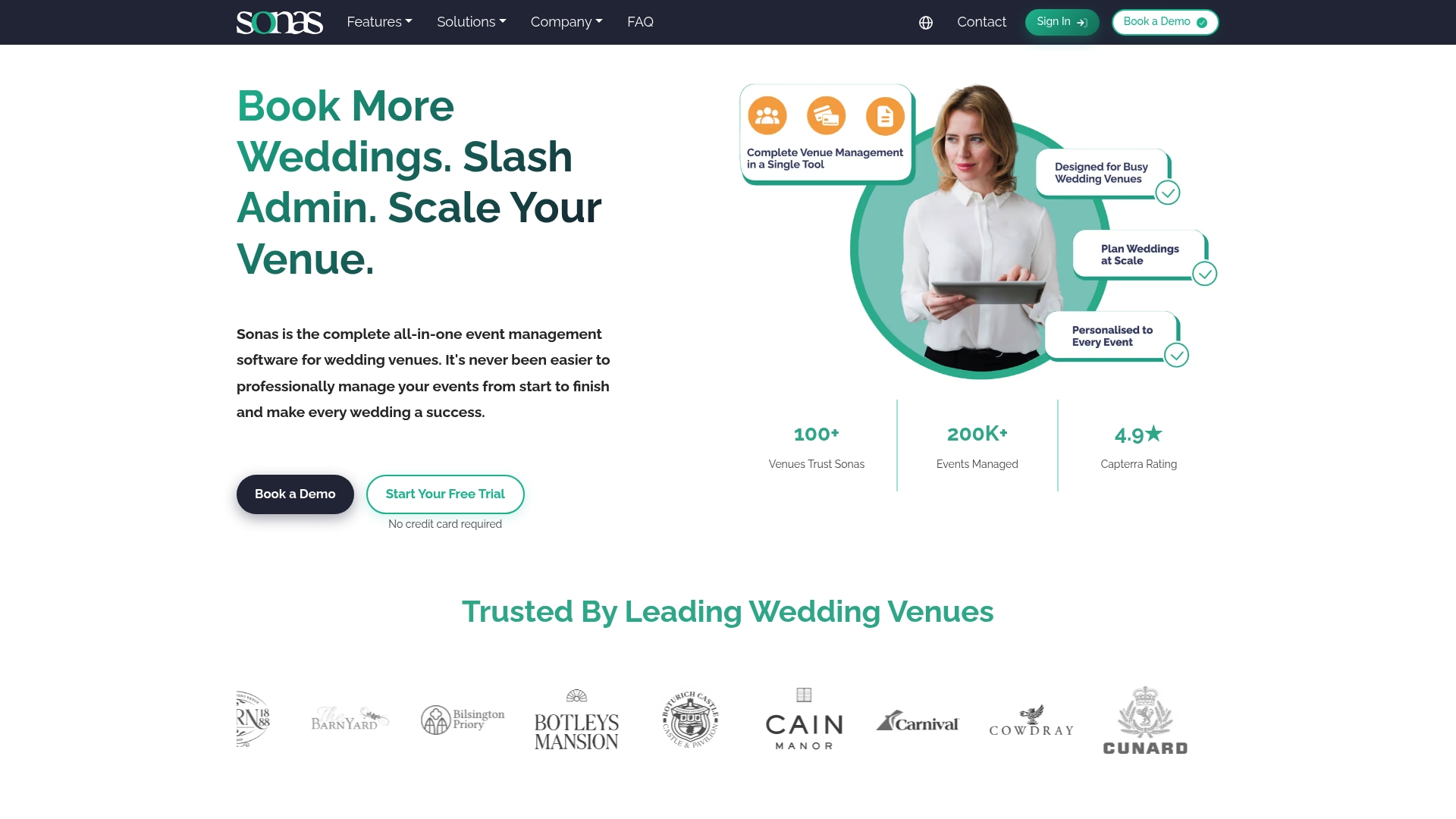
Sonas reports adoption by more than 100 venues worldwide, and says it manages over 200,000 events, with a 4.9 rating on Capterra. The suite targets venue operations from inquiries through final reconciliation. That scale claim suggests the vendor focuses on venue specific workflows rather than generic event tools.
Core Features
Sonas combines event configuration, timelines, guest lists and table plans with room layouts and menu management. The platform includes a planning portal and CRM with automated emails and task tracking, plus finance tools for card processing, payment plans and invoice templates. Sales features cover lead tracking, booking forms and email campaigns while supplier management stores documents and upsell services.
Key Differentiator
Sonas centers on venue operations rather than general event planning. It bundles CRM, financial controls, and on property supplier management into one system designed for venues. That focus means forms, workflows and reporting align with venue sales and reconciliation needs instead of agency or client-facing brief workflows.
Pros
The interface feels intuitive and reduces training time for venue teams, which speeds adoption. Built in finance controls and invoice templates let venues handle deposits, payment plans and reconciliation without switching to a separate accounting tool. Integrated marketing and lead tracking link enquiries to bookings, which supports follow up and conversion work.
Cons
- Pricing can be complex with fixed fees plus event based charges, which may feel less transparent for some venues.
- The full suite offers many features that require training to use effectively.
- Flexibility may be limited for venues running very large or highly customized event operations.
When It May Not Fit
Smaller venues or operators with low event volumes may find the cost structure less attractive because of per event fees. Teams without bandwidth for a training period will not get full value from every module. Venues needing highly bespoke workflows may hit customization limits.
Notable Integrations
Sonas connects to accounting and payments platforms and to calendar and email services. Notable integrations include Xero, Stripe, Sparkpost, Google Calendar, and Sage.
Who It’s For
Venue owners and operations managers who run weddings or venue based events and want a single platform to manage enquiries, bookings, payments and suppliers. The product fits teams that manage recurring venue details and want to reduce tool switching between sales, planning, and finance.
Real World Use Case
A UK wedding venue uses Sonas to automate lead follow up, push booking forms to prospective couples, and manage guest seating and menus in one place. The venue also uses built in payment plans and card processing to collect deposits and reconcile accounts at event close.
Pricing
Monthly from $129 ex VAT with variable per event fees, no long term contracts, and support included.
Website: https://sonas.events
Nupt.AI
At a Glance
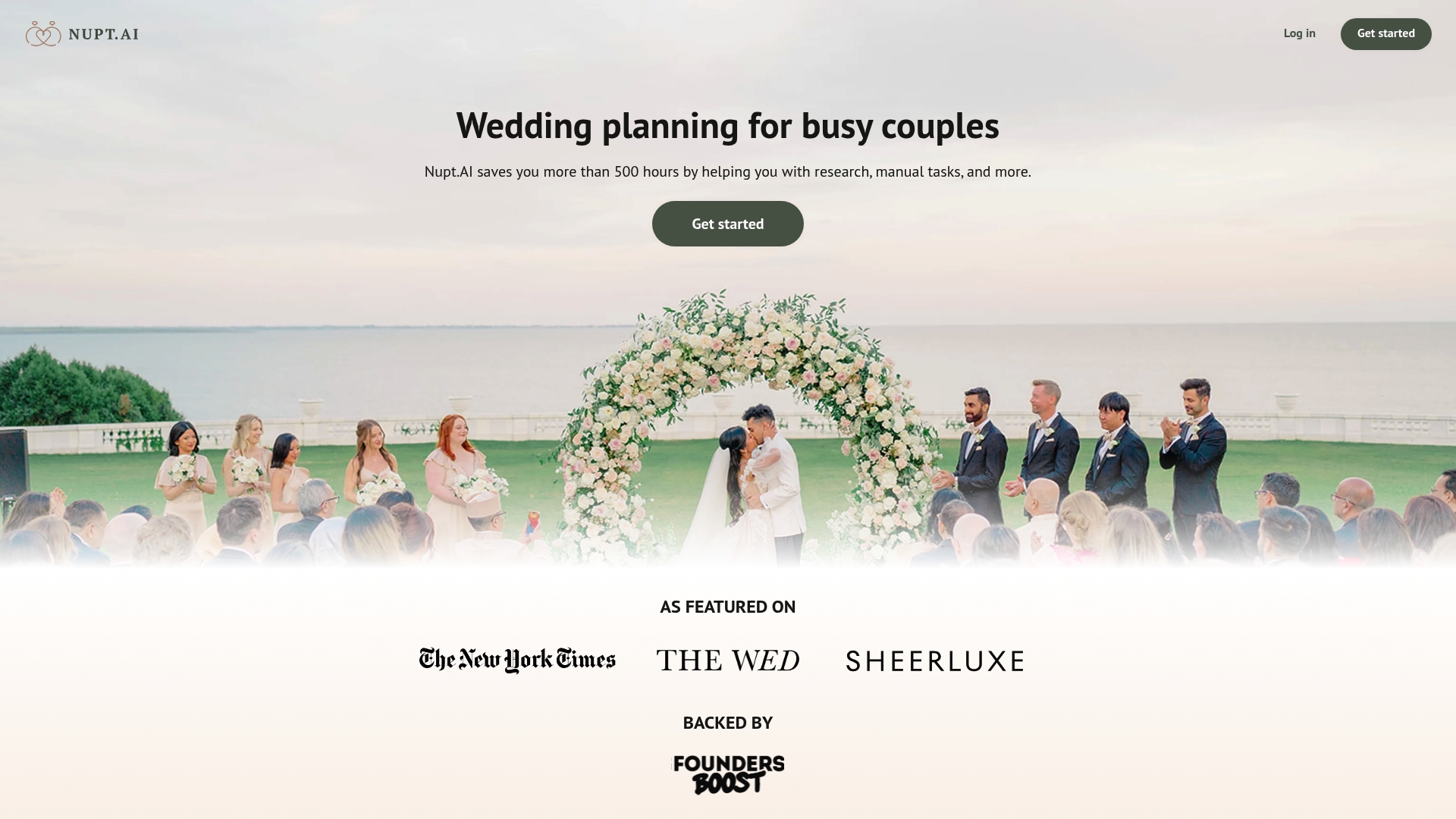
Nupt.AI’s marketing materials claim more than 500 hours saved for planners and couples. That claim positions the product as a time saver for complex planning tasks. The platform also emphasizes cultural customization created by a bride who shaped features around real wedding needs.
Core Features
Nupt.AI centralizes vendor discovery with custom vendor matching that filters by specific preferences and traditions. The tool generates AI created seating charts and supports bulk guest list uploads to reduce manual entry. An AI assistant creates tasks and manages guest communications while personalized plans adjust to a timeline and budget.
Key Differentiator
The product was built by a bride with a focus on multicultural weddings, which guides its matching logic and planning prompts. That origin aims the product at couples who need culturally aware vendor searches and ceremony variations. The emphasis on personal planning workflows sets it apart from generic wedding checklists.
Pros
The platform offers focused search tools that let you find vendors by cuisine, ceremony customs, or ceremony language, which helps when planning diverse gatherings. Its AI assistant automates task creation and guest management, and the seating chart generator cuts time spent on seating logistics. The time saving claim above serves as a practical selling point for planners who must reduce research work.
Cons
- Limited visibility into integrations with calendars, CRM tools, or accounting systems. This can create extra work when you must move data between platforms.
- Pricing beyond the free entry point is not detailed publicly, so estimating long term costs for agency accounts is difficult.
- No explicit documentation on security, data privacy, or support response times is provided, which matters for commercial planners handling client data.
When It May Not Fit
Agencies that rely on a network of vendor tools or require two way calendar sync will find the integration gap restrictive. Teams that need verifiable security audits or enterprise grade privacy controls should seek platforms with published certifications. Firms that need transparent tiered pricing for multiple planner seats will likely need clearer billing detail.
Who It’s For
Nupt.AI fits planners who work directly with couples wanting AI assisted, personalized planning and multicultural ceremony support. Solo planners and small studios that trade hours for fixed fees will benefit from the time saving features. Larger agencies that require deep integrations or formal security documentation will find it less suitable.
Real World Use Case
A planner used Nupt.AI to manage a multicultural wedding that combined two ceremony traditions. She ran targeted vendor searches, uploaded a bulk guest list, and exported an AI generated seating chart for venue review. The planner reported less manual list editing and faster vendor shortlisting during the engagement period.
Website: https://nupt.ai
Nuptly
At a Glance
Multilingual support and multi currency handling target planners and couples organizing destination weddings across regions. The site pairs a verified vendor directory with AI visual tools for decor previews and venue mockups. That focus makes cross border bookings and vendor discovery easier for planners who manage international clients.
Core Features
Nuptly presents a verified vendor directory that groups vendor profiles and booking listings for venue, photography, catering, and more. It includes tools for guest lists, seating, budgets, event timelines, and a personalized wedding website builder. The site also supports in platform messaging, multi currency payments, and AI decor previews to help visualize designs before booking.
Key Differentiator
Nuptly stands out for its emphasis on destination and international weddings, with multilingual and multi currency support built into listings and payments. The platform combines that international reach with AI driven decor visualization so planners can show clients realistic setups across locations.
Pros
The comparison presents both couple focused tools and vendor listings, so planners can use it to surface local and overseas suppliers. Multilingual listings reduce language friction when you coordinate vendors in another country. AI visualization helps you validate decor concepts with clients without an on site visit. The platform also supports in platform payments, which simplifies tracking booking deposits and vendor payments when you manage multiple events.
Cons
- No independent reports on uptime or reliability are available, leaving operational stability unclear.
- The free tier likely limits advanced features, which may force paid upgrades for full vendor access.
- The vendor verification process is described but not independently validated, so due diligence remains necessary.
- Mobile platform specifics and app store availability are not clearly listed, complicating on the go access planning.
When It May Not Fit
Planners working in low connectivity areas will struggle, since the site depends on internet access for full functionality. Teams that require guaranteed, production ready multilingual tools should be cautious, because some language and visualization features are still in development. Agencies needing firm app availability or verified third party reliability metrics may prefer a platform with public uptime reports.
Who It’s For
Planners who handle destination weddings and frequently coordinate cross border logistics will find the listings and payment features useful. Boutique studios that want a single reference for international vendors and a visual proofing tool will also benefit. Couples and smaller vendors seeking exposure across markets are a natural fit for the directory format.
Real World Use Case
A planner uses Nuptly to source a florist and caterer for a client marrying abroad. The planner shares AI generated decor mockups with the client and secures vendor deposits through the platform. That workflow reduces email back and forth and lets the planner track bookings and budgets in one place.
Website: https://nuptly.com
Comparison of alternatives
Wedding planners require tools that effectively centralize multiple planning workflows while addressing unique event nuances. Among the reviewed options, notable distinctions emerge that help differentiate the platforms.
Workflow specificity and ease of adoption
Among these alternatives, The Special Wedding stands out as it provides a wedding-centric platform tailored to multi-event management. It centralizes workflows encompassing guest handling, vendor management, and status dashboards. While its scope in third-party plugin support is somewhat limited compared to other systems, its wedding-specific focus eliminates much of the redundancy posed by multi-tool processes for wedding professionals.
Customization and market adaptation
Nupt.AI specializes in managing culturally significant events, offering extensive vendor matching capabilities for diverse ceremonies. This functionality prioritizes cultural fit—a unique advantage compared to other reviewed systems. Venues benefit specifically from Sonas, where integrated financial processes combined with payment plans cater to operational accounting requirements alongside general wedding planning.
Best fit
- Teams managing multiple weddings benefit from The Special Wedding, which consolidates event and client-related tasks into an interface tailored for wedding scenarios.
- Wedding planners focusing on cultural traditions gain value from Nupt.AI’s vendor matching and task flow customization for varied ceremony types.
- Venues seeking both operational planning tools and built-in financial tracking excel with Sonas, designed for venue-specific requirements.
- International wedding coordinators handling cross-border events find efficiencies with Nuptly’s multi-language and currency integrations supporting international vendor management.
- Agencies desiring a single workflow from client inquiry to invoice generation and task follow-up match well with Aisle Planner Pro, offering unified sales-to-event tools.
Our pick
The Special Wedding emerges as an exceptional choice for planners needing a wedding-centric solution combining centralized operations, guest management, vendor coordination, and real-time dashboards. Planners seeking integration-heavy platforms or a focus outside wedding-specific singularities might evaluate options like Nuptly or Sonas. However, The Special Wedding uniquely prioritizes features essential to multifaceted wedding event management, securing its recommendation for wedding professionals.
Choose the best wedding planning application for your needs by comparing their core features and unique offerings.
| Product Name | Core Features | Notable Limitation | Pricing |
|---|---|---|---|
| Thespecialwedding | Workspace for vendors and planning | Limited third-party integration support | Free; Paid plans from $49/month |
| Aisle Planner Pro | Sales and planning in one CRM | Steep learning curve for some users | From $49.99/month |
| BriteBiz | Unified sales and event workflows | Lack of transparency in pricing details | Price not published |
| Sonas | Venue management and finance tools | Complex pricing and setup for small venues | From $129/month, additional fees |
| Nupt.AI | AI-assisted planning for couples | Limited third-party integrations and unclear pricing | Price not published |
| Nuptly | Destination wedding expert tools | Limited feature set in the free tier | Price not published |
Managing Nuptialapp.com Alternatives and Wedding Planning Challenges
Switching between multiple tools can slow your workflow and cause missed details when managing several weddings. The article highlights the need for wedding professionals to find a single platform that keeps client intake, vendor onboarding, timelines, and guest management in one place.
Thespecialwedding solves this by replacing scattered spreadsheets and messages with a unified workspace designed specifically for planners, studios, and agencies handling multiple wedding events. It offers client portals, automated workflows, real-time dashboards, and customizable templates to keep every event on track and improve vendor follow up.
Stop jumping between 8+ tools and bring your planning operations under one roof with Thespecialwedding. See how you can reduce lost information and speed confirmations by importing your guest lists and vendor contracts into one dashboard today.
FAQ
How does Thespecialwedding support vendor onboarding?
Thespecialwedding simplifies vendor onboarding through its contract workflows. This feature allows wedding professionals to manage vendor relations and follow up effectively, helping to keep everything organized and on schedule.
What is the difference between Aisle Planner Pro and Thespecialwedding?
Aisle Planner Pro combines planning, client collaboration, sales, and payment processing inside one interface, making it strong for those integrations. Thespecialwedding excels in centralizing all wedding aspects within one workspace, making it ideal for wedding planners managing multiple events.
Which platform offers more flexibility for larger teams, Thespecialwedding or BriteBiz?
BriteBiz provides extensive integrations with accounting and payment systems, which can support larger teams needing more tools. Thespecialwedding, while powerful, is more focused on wedding-specific workflows and may not integrate as broadly for complex operational needs.
Can I use Thespecialwedding if I only plan one event?
Yes, Thespecialwedding offers a free tier for solo planners managing a single wedding. This allows individuals to explore its features without financial commitment.
How does Thespecialwedding handle guest management?
Thespecialwedding provides tools for managing guest lists and RSVPs in one workspace, facilitating smooth communication with guests. This centralization helps prevent confusion during planning and ensures timely updates.
Recommended
Free wedding planner templates
Skip the blank page — these templates ship with the form fields you actually need.
Browse all 9 free templates →