Why Wedding Studios Scale with Software: 2026 Guide
Why Wedding Studios Scale with Software: 2026 Guide
Wedding studios scale with software because integrated platforms automate the full client lifecycle, from first inquiry through final gallery delivery, without adding proportional administrative work. Studios using three or more integrated automation tools generate 2.1x the revenue of those managing operations manually. That gap is not about talent. It is about workflow orchestration, lifecycle management, and operational scalability. The studios growing fastest in 2026 treat software as their business operating system, not just a scheduling tool.
Why wedding studios scale with software, not headcount
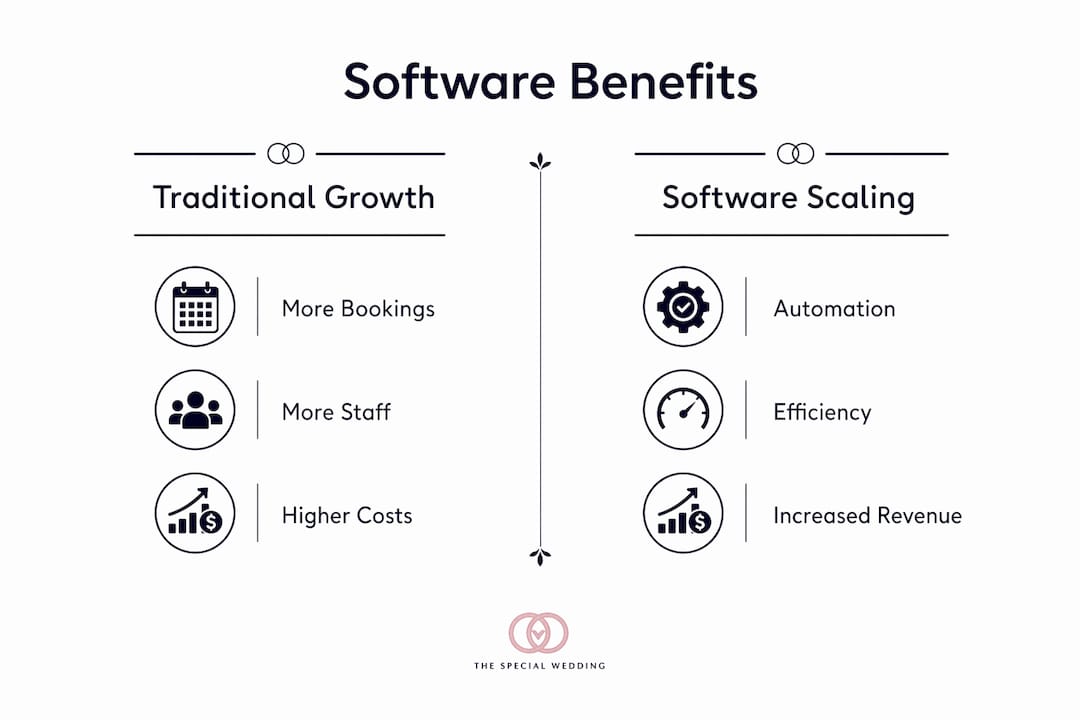
The traditional growth model for wedding studios is straightforward: book more weddings, hire more people. That model breaks down fast. Studios hit a headcount ceiling at roughly 100–150 projects per month, where every new hire creates training overhead, management complexity, and burnout risk. Adding staff does not fix the underlying problem. It multiplies it.
Software solves this by replacing the linear relationship between bookings and labor. When a platform handles contract generation, deposit reminders, shoot scheduling, and gallery delivery automatically, your team’s time goes toward creative work rather than administrative follow-up. Automation reduces studio workflow time by up to 82%, from inquiry to final gallery delivery. That is not a marginal efficiency gain. It is a structural change in how a studio operates.
The revenue case is equally direct. 89% of wedding clients expect instant online booking, but only 34% of studios currently offer it. That gap costs studios real money. Missing automated inquiry-to-booking workflows costs the average studio approximately $4,800 annually in lost bookings. Couples abandon vendors who cannot respond instantly with a professional digital experience.

What operational challenges block growth without automation?
Manual operations create specific, predictable bottlenecks that compound as volume grows. Recognizing them is the first step toward fixing them.
- Administrative overload. Every manual contract, invoice, and follow-up email consumes time that does not scale. A studio handling 20 weddings a month manually spends a disproportionate number of hours on paperwork compared to one using automated workflows.
- Data re-entry errors. Copying client details across disconnected tools, spreadsheets, email threads, and separate invoicing software multiplies mistakes. One wrong date or missing deposit note can damage a client relationship.
- Client expectation gaps. Modern couples expect a portal where they can review contracts, approve timelines, and track deliverables. Studios without this infrastructure feel unprofessional by comparison.
- Burnout before scale. When coordinators manually manage every touchpoint for dozens of active weddings, fatigue sets in before the studio reaches its revenue potential.
- Training lag. Onboarding new staff into a fragmented tool stack takes weeks. A unified platform cuts that timeline significantly because there is one system to learn.
Pro Tip: Map every manual touchpoint in your current workflow before evaluating any software. Studios that audit their process first adopt tools that actually fit their operations, rather than buying features they never use.
74% of studio owners started in photography for creative reasons, without formal business training. Software bridges that gap by encoding business logic, follow-up sequences, and financial tracking into the platform itself. You do not need an MBA to run a well-organized studio. You need the right system.
How does unified software automate the full wedding workflow?
The core concept here is workflow orchestration: the idea that each phase of a wedding project should trigger the next automatically, without manual intervention. Most studios fail to scale because they treat CRM and project management as separate tools, creating manual handoffs between systems. A unified lifecycle engine eliminates those handoffs entirely.
A well-built platform covers these phases in sequence:
- Inquiry capture. A client submits a form. The system logs the lead, sends an automatic acknowledgment, and queues a follow-up task.
- Proposal and contract. The studio sends a branded proposal. The client signs digitally. The contract is stored and linked to the project record automatically.
- Deposit and invoicing. Payment reminders go out on schedule. Deposits are logged. Outstanding balances trigger follow-up sequences without manual intervention.
- Shoot preparation. Automated reminders go to clients and vendors before the event. Timeline documents update in real time as details change.
- Gallery delivery. Finished galleries are delivered through a client portal with integrated print pricing. Proofing galleries with embedded print catalogs can generate revenue exceeding the original shoot fee.
The table below shows the difference between a fragmented tool stack and a unified platform across key operational areas.
| Operational area | Fragmented tool stack | Unified platform |
|---|---|---|
| Client intake | Manual email, separate form tool | Automated intake form linked to CRM |
| Contract management | Separate e-sign tool, manual filing | Auto-generated, stored in project record |
| Payment tracking | Spreadsheet or separate invoicing app | Integrated invoicing with automated reminders |
| Shoot reminders | Manual calendar alerts | Triggered automatically from project timeline |
| Gallery delivery | Separate gallery platform, manual link sharing | Embedded portal with upsell catalog |
Platforms like Thespecialwedding are built around this unified model. The platform replaces scattered spreadsheets, messages, and documents with a single collaborative workspace that covers client intake, vendor coordination, event timelines, and communication workflows. Studios managing multiple weddings simultaneously benefit most, because the system handles coordination tasks that would otherwise require a dedicated administrator. You can read more about how wedding planning dashboards support this kind of multi-event visibility.
How to choose the right software for your studio’s growth stage
Not every platform fits every studio. Selecting the wrong tool creates its own inefficiencies, particularly when a studio adopts software that is too complex for its current volume or too limited for where it wants to go.
Start with integration. A platform that does not connect your intake forms, contracts, invoicing, and gallery delivery into one record forces you to re-enter data manually. That defeats the purpose. Unifying CRM and project management into a single system is the foundational requirement for sustainable scaling.
Consider data ownership carefully. Some studio owners prefer local-first software to maintain absolute control over client files and operate in offline mode during the wedding day itself. Cloud platforms offer accessibility and collaboration features, but they depend on network reliability. The right answer depends on your workflow and how much you value offline access versus real-time team collaboration.
Pro Tip: Adopt software in phases. Start with inquiry-to-booking automation first. Once that runs reliably, add contract and invoicing automation. Expand to gallery delivery and upsell workflows last. Phased adoption reduces disruption and lets your team build confidence with each layer.
Evaluate tools against these criteria before committing:
- Does it cover the full client lifecycle, or only part of it?
- Can it grow with your volume without requiring a platform switch?
- Does it support team collaboration and role-based access?
- What does the onboarding and training process look like?
- How does it handle data export if you ever need to migrate?
Measuring ROI during adoption is straightforward. Track time spent on administrative tasks before and after implementation. Monitor booking conversion rates. Watch for a reduction in client follow-up errors. Studios that measure these metrics during the first 90 days of adoption make better decisions about which features to expand next. For a broader view of how agencies use wedding software platforms, Thespecialwedding’s blog covers the operational case in detail.
Can software create new revenue streams beyond efficiency gains?
The most advanced studios do not just use software to work faster. They turn their internal workflows into revenue-generating assets. This is where scaling with technology moves beyond operational efficiency into a fundamentally different business model.
The concept is straightforward: if your studio has built a reliable workflow engine for album editing, client management, or event planning, that engine has value to other businesses. White-labeling that capability to wedding planners, hotels, or franchise operators generates licensing revenue with minimal incremental cost.
- White-label planning tools. A studio that has built a strong client portal and planning workflow can license that system to independent planners who lack the resources to build their own.
- Partner licensing agreements. Hotels and event venues that host weddings regularly need coordination tools. A studio with a proven platform can offer that as a service.
- Recurring revenue from software partnerships. Unlike one-time print sales, licensing agreements generate predictable monthly income.
- Seasonal demand management. Software partnerships generate revenue during off-peak months when direct bookings slow down.
White-label software engines can generate 30–60% of studio revenue by licensing tools to partners, with minimal customer support overhead compared to direct-to-consumer services. Studios that reach this stage have effectively built a second business on top of their creative operations.
This model requires a platform that supports multi-tenant access, branding customization, and role-based permissions. Thespecialwedding supports branding options and team collaboration tools that make this kind of partner-facing deployment practical for studios ready to move in that direction.
Key Takeaways
Wedding studios that adopt integrated software as their core operating system scale faster, earn more, and avoid the burnout that kills manual operations at volume.
| Point | Details |
|---|---|
| Automation drives revenue | Studios using three or more integrated tools generate 2.1x the revenue of manually operated studios. |
| Headcount ceilings are real | Manual operations hit a growth wall at roughly 100–150 projects per month without software support. |
| Unified platforms outperform stacks | Separating CRM and project management creates manual handoffs that multiply errors and slow growth. |
| Phased adoption reduces risk | Start with inquiry-to-booking automation, then expand to contracts, invoicing, and gallery delivery. |
| Software enables new revenue | White-label licensing can generate 30–60% of studio revenue through partner agreements. |
What I’ve learned from watching studios scale with and without software
The studios I have seen grow past 150 weddings a year all share one trait: they stopped thinking about software as a collection of tools and started treating it as the operating system for their business. That shift in mindset matters more than any specific feature set.
The most common mistake I see is tool fragmentation. A studio adopts a separate CRM, a separate invoicing app, a separate gallery platform, and a separate communication tool. Each one works fine in isolation. Together, they create a coordination tax that grows with every new booking. The owner ends up spending more time managing software than managing weddings.
Data ownership is the second issue that gets ignored until it becomes a crisis. Studios that build their entire client history inside a platform they do not control face real risk if that platform changes its pricing, gets acquired, or shuts down. Asking about data export before you sign up is not paranoia. It is basic business hygiene.
The future of this industry belongs to studios that view AI and automation not as threats to creativity but as infrastructure for it. When your platform handles the administrative layer, your team focuses on the work that actually requires human judgment. That is not a loss of craft. It is a protection of it.
— JOATLABS
Thespecialwedding: one platform for studios ready to grow
Wedding studios that are serious about scaling need a platform built for the full lifecycle, not a patchwork of disconnected tools.
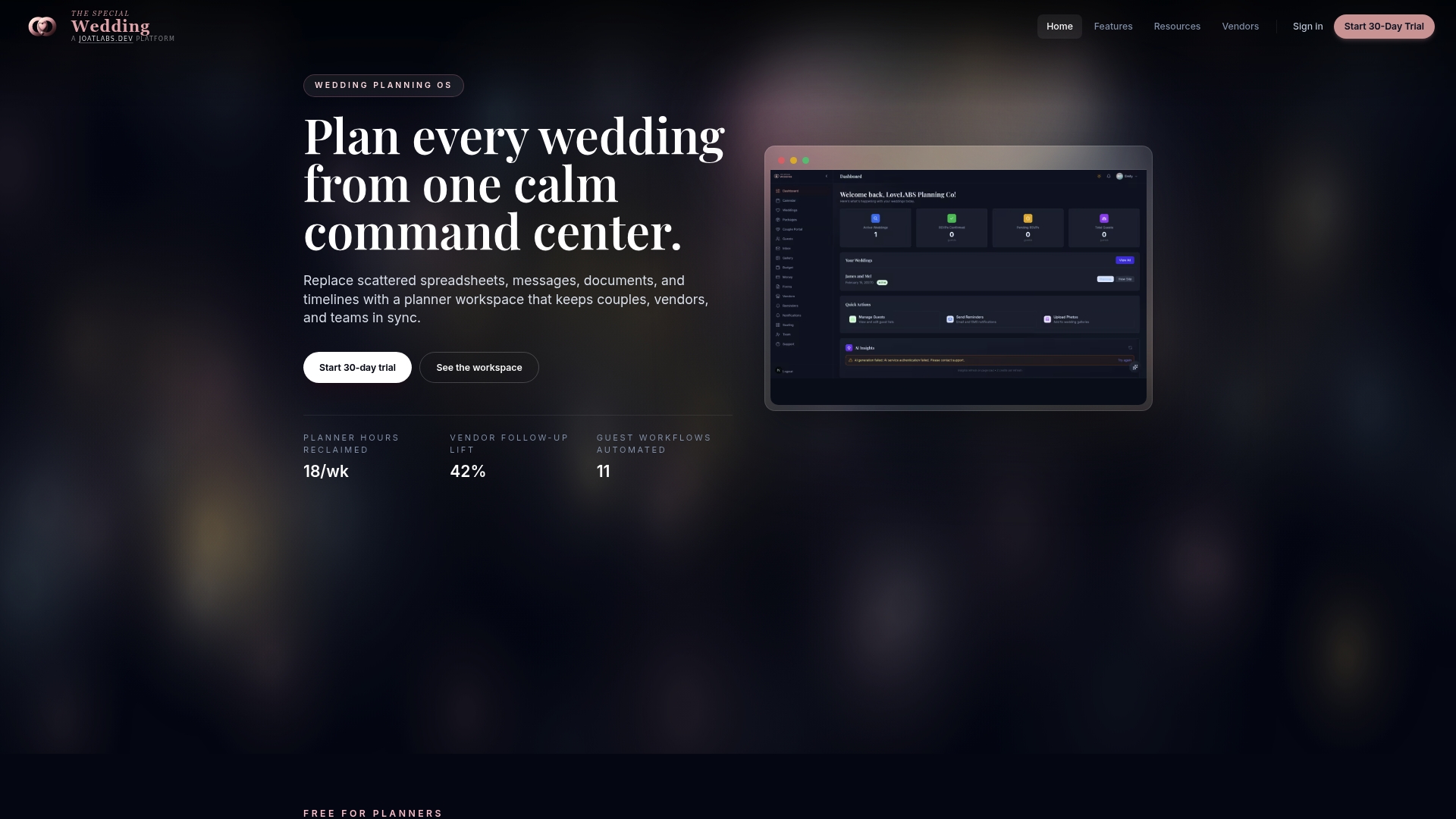
Thespecialwedding replaces scattered spreadsheets, email threads, and separate apps with a single workspace that covers client intake, vendor coordination, event timelines, guest management, and communication workflows. The platform supports automated workflows, real-time dashboards, and client portals that give couples the professional digital experience they expect. Studios managing multiple weddings simultaneously get the team collaboration tools and branding options needed to operate at scale. Explore the vendor directory to connect with vetted partners, or visit the platform overview to see how Thespecialwedding fits your current workflow and growth goals.
FAQ
Why do wedding studios need automation to scale?
Manual operations hit a growth ceiling at roughly 100–150 projects per month due to training overhead and burnout. Automation removes the linear relationship between bookings and administrative labor, allowing studios to grow without proportional headcount increases.
How much revenue does automation add for wedding studios?
Studios using three or more integrated automation tools generate 2.1x the revenue of manually operated studios. Missing automated booking workflows alone costs the average studio approximately $4,800 annually in lost bookings.
What is workflow orchestration in a wedding studio context?
Workflow orchestration means each phase of a project, from inquiry through gallery delivery, triggers the next step automatically without manual handoffs. It prevents administrative workload from growing proportionally with booking volume.
Should wedding studios choose cloud or local-first software?
Cloud platforms offer real-time collaboration and accessibility across devices, while local-first software provides absolute data ownership and offline reliability during the wedding day itself. The right choice depends on whether your team prioritizes collaboration features or operational independence from network connectivity.
Can wedding studios generate revenue directly from software?
Yes. Studios that white-label their workflow tools to partners such as planners, hotels, and franchises can generate 30–60% of total revenue through licensing agreements, with minimal additional customer support overhead.
Recommended
Free wedding planner templates
Skip the blank page — these templates ship with the form fields you actually need.
Browse all 9 free templates →