How to Share Wedding Event Timeline with Vendors
How to Share Wedding Event Timeline with Vendors
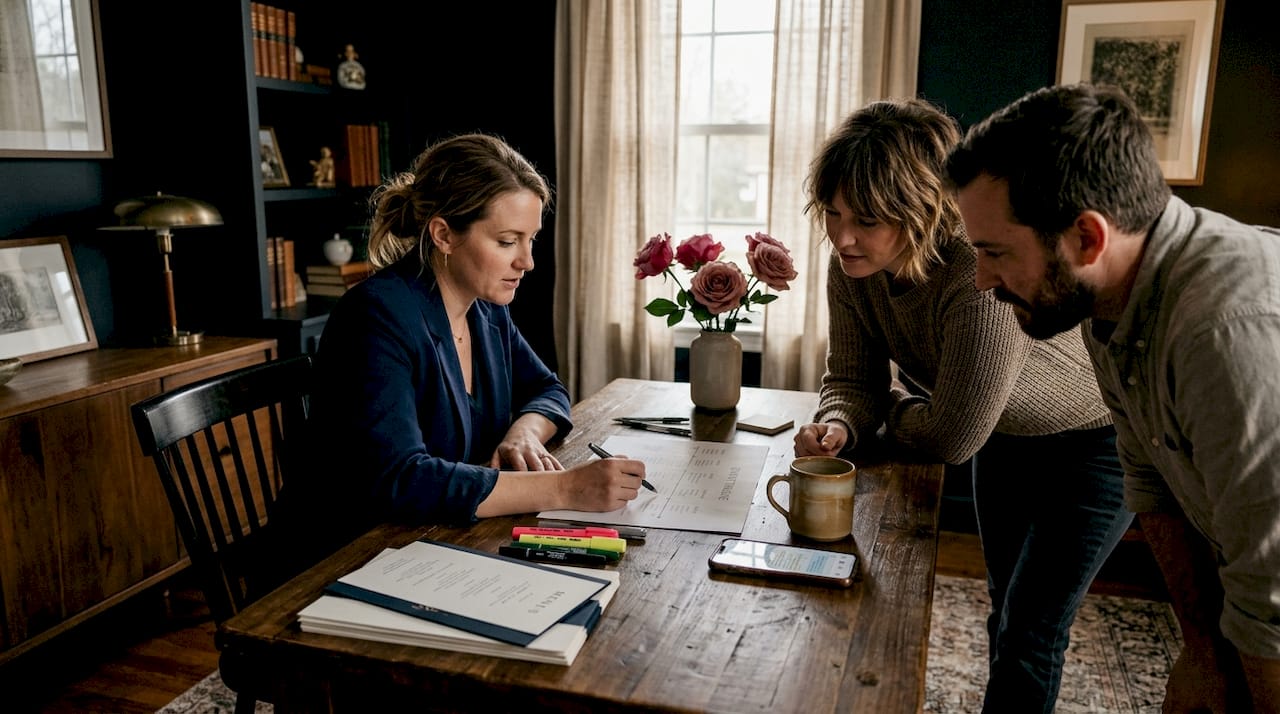
When you fail to properly share your wedding event timeline with vendors, the consequences show up on the wedding day itself. The florist arrives two hours early and blocks the caterer’s load-in. The photographer misses the first look because nobody confirmed her call time. These are not rare edge cases. They are what happens when your “run of show” document lives in your inbox instead of in every vendor’s hands. This guide walks you through exactly how to build, distribute, and verify your wedding planning timeline so every supplier shows up informed, prepared, and on the same page.
Table of Contents
- Key Takeaways
- How to share wedding event timeline with vendors the right way
- Step-by-step process for distributing your event schedule
- Avoiding the most common timeline sharing mistakes
- Verifying vendor readiness up to event day
- My honest take on vendor communication
- Get your vendor coordination working on autopilot
- FAQ
Key Takeaways
| Point | Details |
|---|---|
| Build collaboratively early | Start your draft timeline 4-6 weeks out with input from photographers, caterers, and coordinators. |
| Tailor how you share | Match your distribution method to each vendor’s preferred communication channel to reduce confusion. |
| Centralize one version | Keep a single source of truth for your timeline to prevent vendors from working off outdated copies. |
| Verify receipt and understanding | Confirm every vendor has read and acknowledged the timeline at least one week before the event. |
| Distribute a vendor packet | Send a complete packet including contact info, responsibilities, and timeline cues 7-10 days before the wedding. |
How to share wedding event timeline with vendors the right way
Before you send anything, the document itself has to be worth sending. In the industry, this document is called the “run of show” or the master event timeline. It is the single reference point that tells every vendor not just when to show up, but what happens before and after their role. Most planners understand the basics, but the details are where timelines break down.
What your timeline must include
A strong vendor timeline goes beyond ceremony start times. It accounts for every transition, every handoff, and every window where something can go sideways. At minimum, your timeline should contain:
- Vendor call times and load-in windows for each supplier (these should be staggered to prevent venue access conflicts)
- Setup and breakdown durations based on what each vendor actually needs, not what seems reasonable to you
- Key event cues such as bridal party entrance, first dance, cake cutting, and send-off, each with a specific time
- Transition buffers between major moments to absorb realistic delays
- Teardown and load-out times to coordinate with the venue’s end time
Collaborative timeline building not only improves accuracy but creates genuine buy-in from vendors. When your photographer tells you she needs 45 minutes for family formals, that number goes in. When the caterer says dinner service takes 75 minutes minimum, you build around that. This is how you get a timeline that survives contact with the actual wedding day.
There is a meaningful difference between a draft timeline and a finalized timeline. Your draft is a working document you circulate for feedback. Your finalized version gets locked and distributed. Treat them differently in how you label and share them. Format your final document as a PDF so nobody edits it by accident. Shared cloud folders work well during the draft phase since everyone can add comments in real time.
Pro Tip: Ask your venue coordinator to walk you through their load-in and load-out restrictions before you build a single line of your timeline. Nothing derails a vendor timeline faster than a venue rule you didn’t know about.
Step-by-step process for distributing your event schedule
Knowing what to include is only half the work. The other half is getting the right document to the right person at the right time. Here is a process that works across wedding sizes and vendor counts.
-
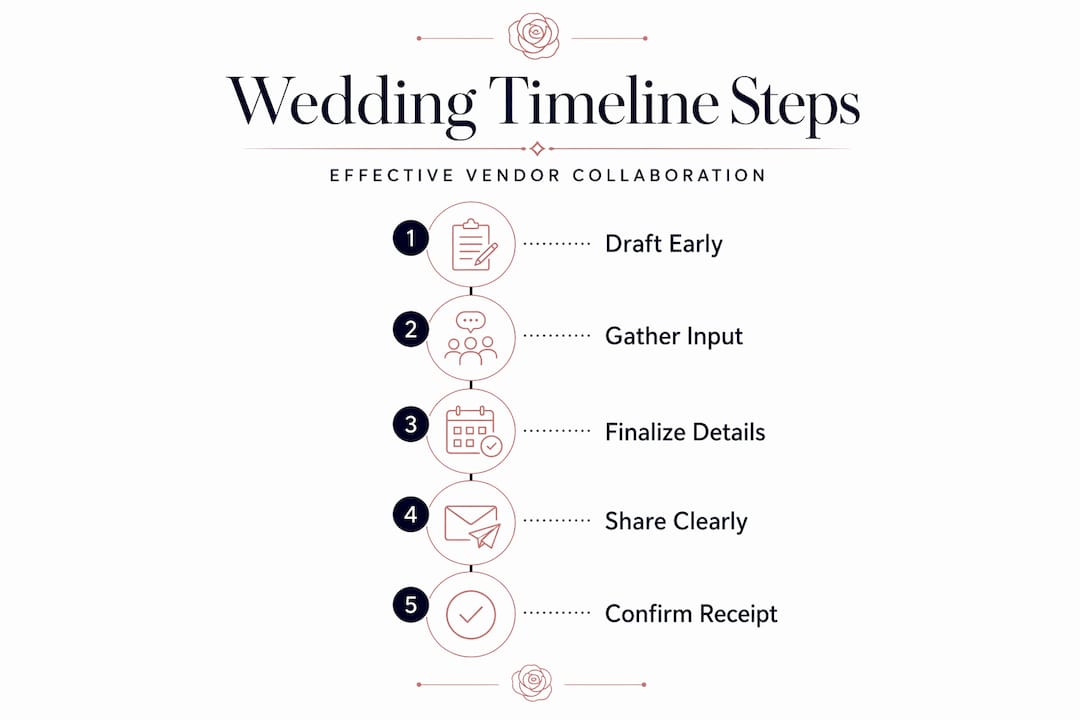
Create your draft timeline 4-6 weeks before the event. Sharing a rough draft this early gives photographers and coordinators time to flag timing problems before they are baked in. Send the draft by email with a clear subject line that includes the couple’s names and the wedding date.
-
Schedule a timeline review with your core vendor team. This does not need to be a formal meeting. A group email thread or a short phone call with your photographer, caterer, and venue coordinator covers most gaps. Ask specifically: “Does your portion of this timeline work for your team?”
-
Incorporate vendor feedback and lock the final version. Once revisions are collected, finalize the document. Do not keep the revision cycle open past two weeks before the event or you will be chasing edits indefinitely.
-
Distribute the final timeline 7-10 days before the wedding. Final timeline distribution at this window gives all vendors, and relevant family members, enough lead time to prepare without the document going stale.
-
Send a vendor packet alongside the finalized timeline. A complete vendor packet should include: the finalized timeline, each vendor’s specific responsibilities, the full vendor contact list, the venue address and parking details, and your cell number as the point of contact.
-
Request explicit confirmation of receipt. Do not assume silence means the document was received. A simple reply-requested email or a direct text works. If you are working with wedding vendors across a large event, a shared platform where vendors can mark items as reviewed saves you from chasing confirmations manually.
One detail that often gets overlooked: tailor how you share based on each vendor’s preferences. Vendor communication that respects preferred channels, whether quick texts or formal emails, measurably reduces miscommunication. Your florist may prefer a text confirmation. Your AV company may want everything in a formal email thread. Match the method to the vendor, not to your own convenience.
Pro Tip: Use software tools that compile timelines and enable mass emails to all vendors at once. Platforms built for event management let you send one update that reaches everyone simultaneously, cutting your follow-up time significantly.
Avoiding the most common timeline sharing mistakes
Even experienced planners make avoidable errors when distributing event schedules. The most damaging is also the most common: multiple conflicting versions circulating among vendors at the same time.
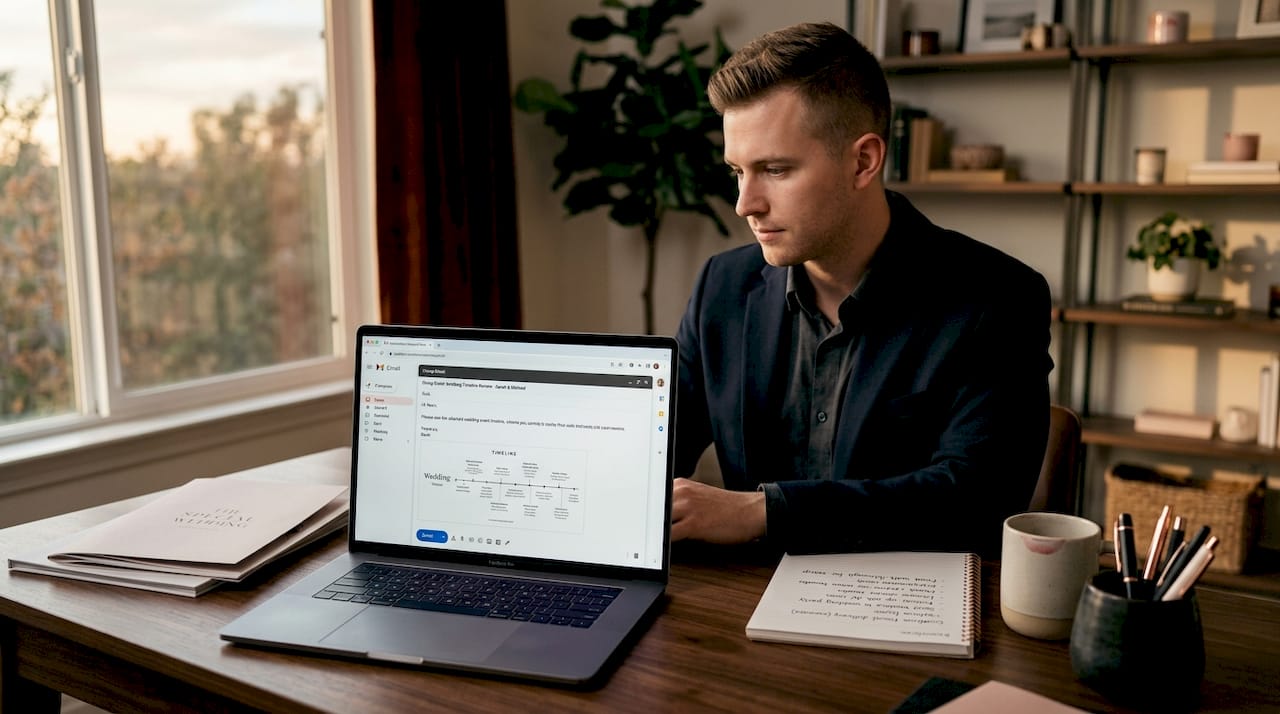
Centralized documentation with a single source of truth prevents vendors from pulling up an old email attachment and showing up with the wrong call time. If you update the timeline after sending it, send the new version to every person who received the previous one. Include a note at the top of the new document that reads “Updated [date] — Please discard previous version.”
Other mistakes worth addressing directly:
- Sending the same generic timeline to all vendors. Your DJ does not need the photographer’s shot list cues. Your florist does not need the catering service timeline. Customize each vendor’s version to include their relevant sections, then include the full master document as an attachment for reference.
- Failing to follow up with non-responders. If a vendor does not acknowledge receipt within 48 hours, follow up. Silence is not confirmation.
- Ignoring last-minute changes. When something shifts, communicate it immediately and to everyone it affects. A caterer who does not know dinner was pushed 30 minutes later will have food ready at the wrong time.
Clear contractual language that documents timeline responsibilities and communication protocols is your safety net when disputes arise. If your contract specifies that the vendor is responsible for reviewing and acknowledging the timeline by a set date, you have recourse when something goes wrong.
Missing key event cues is another real risk. A photographer who does not know the cake cutting happens at 8:45 PM will be at the photo booth at 8:43. Build in redundancy by placing critical cues in bold in your timeline and noting them separately in your verbal confirmation calls.
Verifying vendor readiness up to event day
Distributing the timeline is not the finish line. Confirmation and monitoring are what separate planners whose events run smoothly from those managing fires all day.
-
Schedule check-in calls or messages 1-2 weeks before the event. Ask each vendor a direct question: “Have you reviewed the timeline? Do you have any concerns about your portion?” Regular check-ins and centralized checklists reduce day-of surprises significantly.
-
Hold a brief alignment call with your core team 5-7 days out. Keep it to 20 minutes. Cover load-in order, transition cues, and emergency contact protocol. This call catches the gaps that email threads miss.
-
Use a checklist to track confirmation status for every vendor. Mark each vendor as “timeline received,” “timeline acknowledged,” and “pre-event check-in complete.” If you manage multiple weddings at once, solo planner organization tools built for this kind of tracking will keep you from losing track across events.
-
Assign a point person for day-of timeline enforcement. On the wedding day, someone needs to own the timeline. If you are the lead coordinator, that is you. If you have a second coordinator on site, brief them thoroughly so they can run the timeline independently if you are pulled away.
-
Distribute a “day-of packet” the morning of or the evening before. This version includes the finalized timeline, all vendor and emergency contacts, and any last-minute updates. Keep it to one page if you can. Vendors appreciate brevity when they are already in setup mode.
Add contingency cues directly into your timeline. If cocktail hour runs long, what happens to dinner service? If the ceremony is delayed, who adjusts the photo timeline? Document these contingency paths so everyone already has the answer when a delay happens.
My honest take on vendor communication
I’ve seen planners put enormous effort into building a perfect timeline and then send it as a one-size attachment to a list of 15 vendors. The document is technically complete. The communication is not.
What I’ve learned from coordinating large, multi-vendor events is that vendors are not just reading your timeline. They are deciding how seriously to take it. A photographer who helped you build the photo portion of the timeline treats it as her own work. A caterer who received a generic PDF the week before the wedding treats it as paperwork. Networking within the wedding industry builds personal connections that create a sense of community, and that community makes your calls get answered faster when something goes wrong at 3 PM on a Saturday.
My take: the planners who rarely have day-of disasters are not the ones with the most detailed timelines. They are the ones who built those timelines alongside their vendors and confirmed understanding at least twice before the wedding day. Adapt your delivery method for each vendor. Some need a phone call. Some need a text. The planner who figures out which is which, and acts on it, is the one every vendor wants to work with again.
— JOATLABS
Get your vendor coordination working on autopilot
Managing timelines across multiple vendors and multiple events does not have to mean more hours in your inbox. Thespecialwedding is built specifically for professional planners who need to create, share, and update event timelines without the back-and-forth chaos.
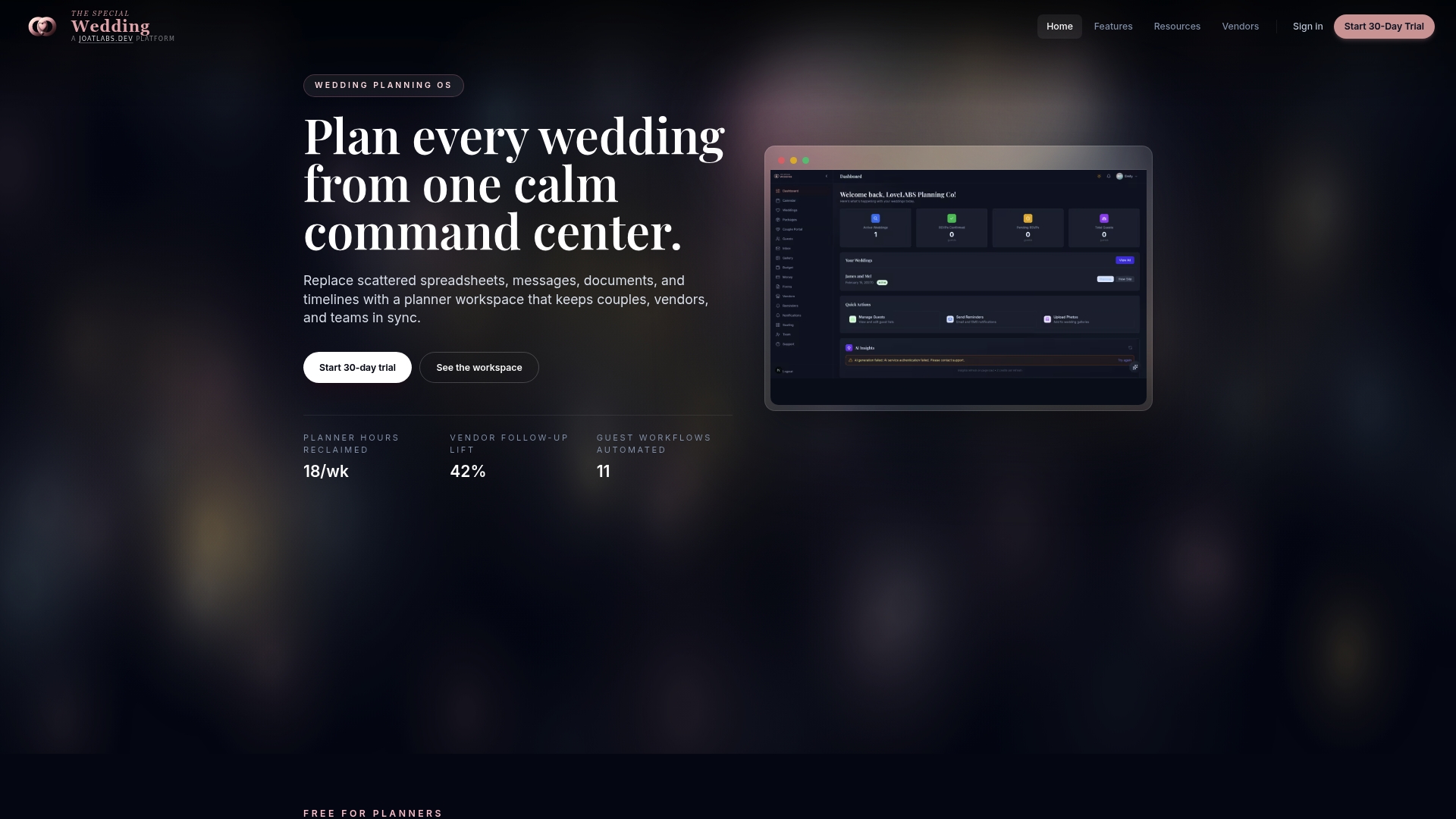
Through Thespecialwedding’s vendor directory, you can find and connect with trusted local vendors who are already familiar with digital timeline workflows, making coordination faster from day one. For planners who want hands-on support, professionals like Events By Suad in Oklahoma City demonstrate exactly what organized, vendor-coordinated event planning looks like in practice. The platform replaces the scattered combination of spreadsheets, email threads, and shared drives with one workspace where timelines live, updates push to everyone at once, and vendor confirmations are tracked automatically. Explore how Thespecialwedding can tighten your coordination process before your next event.
FAQ
When should you send the final timeline to vendors?
Send the finalized timeline 7-10 days before the wedding. This gives every vendor enough time to prepare without the risk of the document becoming outdated before the event.
What should a vendor packet include?
A complete vendor packet should contain the finalized event timeline, each vendor’s specific responsibilities, full contact information for all suppliers, venue details, and the lead planner’s cell number for day-of communication.
How do you handle vendors who don’t acknowledge the timeline?
Follow up directly within 48 hours of sending. A brief text or phone call asking for a simple confirmation is sufficient. If the vendor remains unresponsive, escalate to a phone call and document the attempt in case a dispute arises later.
What is the difference between a draft and a finalized timeline?
A draft timeline is a working document circulated for vendor feedback during the 4-6 week pre-event window. A finalized timeline is a locked PDF distributed 7-10 days before the event, with all vendor input already incorporated.
How do you manage last-minute timeline changes?
Communicate changes immediately to every vendor affected, and send an updated document clearly labeled with the revision date. Verbal confirmation by phone or text is worth doing for changes that affect load-in times or key event cues.
Recommended
- Wedding coordinator’s role in vendor scheduling | The Special Wedding Blog
- Solo Wedding Planner Organization Tips That Work | The Special Wedding Blog
- Wedding planning time management: a pro guide for planners | The Special Wedding Blog
- Automated Wedding Day Timeline: What Couples Need to Know | The Special Wedding Blog
Free wedding planner templates
Skip the blank page — these templates ship with the form fields you actually need.
Browse all 9 free templates →