What Is a Wedding Planning Task Board? Your Guide
What Is a Wedding Planning Task Board? Your Guide

A wedding planning task board is a visual task-management system that organizes every wedding to-do item into trackable cards, grouped by status, so you can see exactly where each task stands at a glance. Most task boards follow a Kanban layout, with columns like To Do, Doing, and Done. Tools like Trello, itsmy.wedding, and Google Sheets all support this format. The core benefit is simple: you replace scattered notes, text threads, and forgotten spreadsheets with one shared workspace where nothing falls through the cracks.
What is a wedding planning task board and how does it work?
A wedding task board works by moving task cards through defined stages, giving you a live picture of your planning progress without scrolling through long notes or spreadsheets. Each card represents one task, such as booking a florist or sending save-the-dates. You move the card from To Do to Doing once you start, and to Done when it is complete.
The real power comes from what you put on each card. A well-built card includes the task name, the person responsible, a due date, and any linked documents or vendor contacts. This structure turns a vague to-do list into a clear assignment with accountability built in.

Weddings are stage-based projects with distinct phases: vendor sourcing, design decisions, logistics, and final coordination. A Kanban board maps directly onto that structure. Each phase gets its own column or label, so you always know which stage needs attention.
Weekly check-ins are the engine that keeps the board useful. A 15-minute review every week lets you and your partner update task status, flag blockers, and confirm that deadlines are on track. Without that habit, even the best-organized board goes stale.
Key tasks to track on your board:
- Venue booking and contract signing
- Catering tastings and final menu confirmation
- Invitations: design, printing, and mailing deadlines
- Vendor deposits and final payment dates
- RSVP tracking and guest count confirmation
- Rehearsal dinner logistics and day-of timeline
Pro Tip: Set every internal deadline 1–2 weeks before the real vendor deadline. That buffer gives you time to fix problems before they become emergencies.
What are the advantages of a task board over spreadsheets or paper?
A wedding task board acts as a centralized source of truth that combines tasks, timelines, vendor information, and documents in one place. A spreadsheet can hold data, but it cannot show you progress at a glance or alert you when a deadline is approaching. Paper checklists are even more limited: they cannot be shared in real time, and they go out of date the moment something changes.

The comparison below shows where each method stands across the criteria that matter most for wedding planning.
| Feature | Task board | Spreadsheet | Paper checklist |
|---|---|---|---|
| Visual progress tracking | Yes, by column | No | No |
| Real-time sharing | Yes | Limited | No |
| Deadline reminders | Yes | Manual | No |
| Task ownership | Named per card | Possible but clunky | No |
| Document attachment | Yes | Limited | No |
| Mobile access | Yes | Yes | No |
Digital task boards with reminders, cross-device syncing, and sharing outperform paper checklists in every practical category. Some platforms even adjust task suggestions automatically based on your specific wedding details, which improves planning accuracy from the start.
Collaboration is where the gap widens most. When you share a digital board with your partner, a parent helping with logistics, or a vendor confirming a delivery window, everyone sees the same current status. No one is working from an outdated version of the plan.
What pitfalls should you avoid with your wedding task board?
The most common mistake couples make is treating the task board as a static decoration. They set it up once, feel organized for a week, and then stop updating it. A board that does not reflect current reality is worse than no board at all, because it creates false confidence.
The second major pitfall is ignoring task dependencies. A task card can look complete while a blocking issue remains unresolved. Invitations cannot go to print until the design is approved. The seating chart cannot be finalized until RSVP counts are confirmed. If your board does not show those connections, you will mark tasks done before they actually are.
Common pitfalls and how to fix them:
- Static board syndrome. Fix it with a recurring weekly review on your calendar.
- Missing dependencies. Add a “Waiting On” label or note to any card blocked by another task.
- No task owners. Every card needs one named person responsible, not just “us.”
- Vague status columns. Replace generic labels with specific ones like “Vendor Contacted,” “Contract Signed,” and “Deposit Paid.”
- Skipping milestone gates. Track approvals and payment deadlines as separate cards, not just notes.
Modeling milestone gates such as contract approvals and deposit payments as explicit cards adds clarity that generic status labels cannot provide. This approach makes your board a true project tracker, not just a glorified checklist.
Pro Tip: Create a “Blocked” column between Doing and Done. Any task waiting on a vendor response, a decision, or another task goes there. It makes bottlenecks visible immediately.
Sharing your board with family members and vendors also prevents late surprises. When updates appear in real time, everyone sees current status and communication gaps close before they cause problems.
How to create a wedding planning task board that fits your needs
Building a task board that actually works starts with choosing the right tool for your planning style. Popular visual tools for wedding planning include Trello for Kanban-style boards, Notion for relational databases, Google Sheets for flexible master lists, and Timeline Genius for run-of-show schedules. Each suits a different workflow, so pick the one you will actually open every day.
Follow these steps to build your board from scratch:
- Choose your platform. Trello works well if you prefer drag-and-drop cards. Google Sheets works if you want full control over layout. Notion works if you want to link tasks to vendor databases and budgets.
- Set up your columns. Start with To Do, In Progress, Waiting On, and Done. Add a Blocked column if you have complex vendor dependencies.
- Create categories by area. Group tasks under labels like Venue, Catering, Florals, Stationery, Music, and Photography. This prevents the board from becoming one long undifferentiated list.
- Assign every task an owner and a deadline. Use your wedding planning timeline as the guide. Most full-size weddings plan across a 12–18 month window, so phase your tasks accordingly.
- Add milestone cards. Create specific cards for contract signings, deposit due dates, and final payment deadlines. These are not just tasks; they are gates that control what can happen next.
- Schedule a weekly review. Block 15 minutes every week to move cards, update statuses, and flag anything that has stalled.
Breaking the planning year into monthly phases makes the process manageable. A task board operationalizes that approach by turning each phase into visible, trackable cards rather than a mental list you hope to remember.
For couples planning with a professional coordinator, a wedding planning dashboard adds another layer of visibility by consolidating timelines, vendor contacts, and task progress in one shared view.
Key Takeaways
A wedding planning task board is the most effective way to track every task, deadline, and vendor commitment across a 12–18 month planning timeline without losing visibility or accountability.
| Point | Details |
|---|---|
| Core definition | A task board is a visual Kanban system with cards that move through stages like To Do, Doing, and Done. |
| Task ownership matters | Assign one named person to every card so accountability is clear and nothing is left to chance. |
| Dependencies cause false progress | Track blocked tasks explicitly to avoid marking items done before their prerequisites are complete. |
| Weekly reviews keep it alive | A 15-minute weekly check-in is the habit that keeps your board accurate and your planning on track. |
| Right tool for your style | Trello, Notion, and Google Sheets each suit different workflows; choose the one you will use consistently. |
Why I think most couples underestimate the task board
Most couples I have seen plan a wedding treat their to-do list as a memory exercise. They keep the big items in their heads and write down only the obvious ones. That works until month six, when vendor deadlines start stacking up and the mental load becomes unmanageable.
The task board is not just an organizational tool. It is a communication tool. When both partners can see the same board, disagreements about who is handling what disappear. The card either has an owner or it does not. The deadline is either set or it is not. That clarity removes a surprising amount of friction from the relationship during a high-stress period.
The mistake I see most often is building a beautiful board and then never updating it. The board becomes a monument to good intentions rather than a working system. The fix is not discipline; it is structure. Put the weekly review on your shared calendar as a recurring appointment. Treat it like a vendor meeting you cannot skip.
One more thing: do not wait until you have the perfect system to start. A basic Trello board with five columns and ten cards is more useful than a perfectly designed Notion workspace you spend three weeks building and never actually use. Start simple, and add complexity only when the simple version stops working.
— JOATLABS
Thespecialwedding’s vendor directory pairs well with your task board
Your task board is only as strong as the vendors behind each card. Once you have your planning categories set up, the next step is filling those vendor slots with trusted professionals.
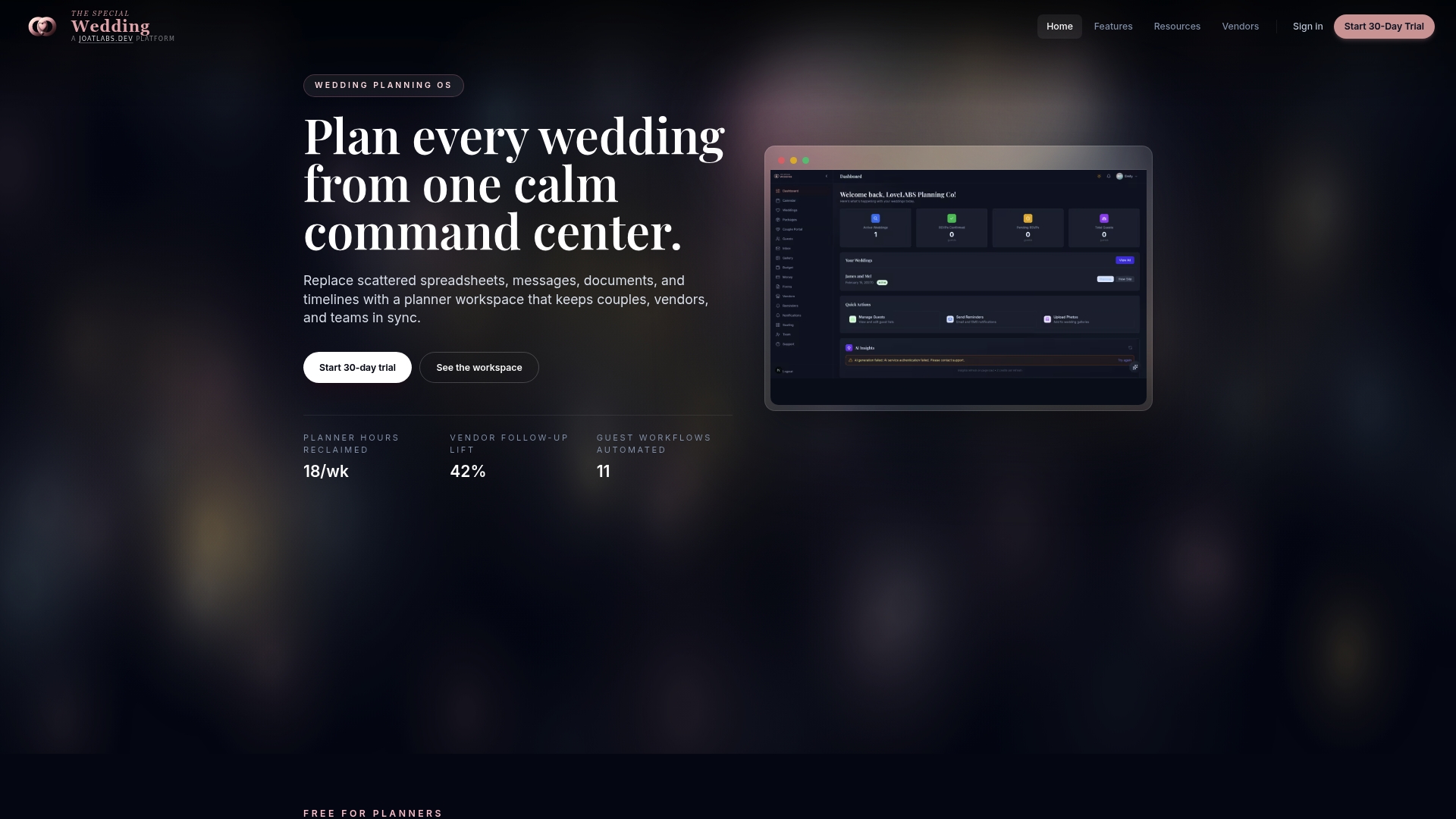
Thespecialwedding’s vendor directory connects couples with vetted wedding professionals across Oklahoma and beyond, including caterers like Capers and Company in Edmond, OK, stationery studios, lighting specialists, and DJ services. When each vendor on your task board is already sourced and confirmed, your cards move faster and your planning stays on schedule. Browse the directory to match your task categories with the right professionals before your deadlines arrive.
FAQ
What is a wedding planning task board?
A wedding planning task board is a visual system that organizes wedding to-do items into cards grouped by status, typically using a Kanban layout with columns like To Do, Doing, and Done. It gives couples a shared, at-a-glance view of every task and deadline.
How is a task board different from a wedding checklist?
A checklist is a static list you check off; a task board is a dynamic system where each item has an owner, a deadline, and a visible status. Task boards also support dependencies and real-time sharing, which checklists do not.
Which tools work best for a wedding task board?
Trello is the most popular Kanban option for couples, while Notion suits those who want to link tasks to budgets and vendor databases. Google Sheets works well for couples who prefer a flexible, spreadsheet-based layout.
How far in advance should you set up your task board?
Set up your task board as soon as you get engaged. Most full-size weddings require a 12–18 month planning window, and starting your board early lets you phase tasks by month rather than scrambling to catch up.
Should you share your task board with vendors?
Yes. Sharing your board with key vendors promotes live coordination and prevents late discoveries. When vendors can see relevant task status, communication gaps close before they affect your timeline.
Recommended
- Wedding planning time management: a pro guide for planners | The Special Wedding Blog
- Wedding Planning Dashboard Benefits for Pros in 2026 | The Special Wedding Blog
- What Is a Wedding Guest Management System? | The Special Wedding Blog
- Wedding Lead Management for Planners: 2026 Guide | The Special Wedding Blog
Free wedding planner templates
Skip the blank page — these templates ship with the form fields you actually need.
Browse all 9 free templates →