What Is a Wedding Guest Management System?
What Is a Wedding Guest Management System?

Managing a wedding guest list feels manageable until it isn’t. You start with a spreadsheet, add a separate email thread for RSVPs, use a notes app for dietary restrictions, and suddenly you’re coordinating three versions of the same list with no clear source of truth. A wedding guest management system solves exactly this problem. At its core, it’s a digital platform that centralizes every piece of guest data, automates communication, and syncs that information directly with your seating, catering, and logistics workflows. This guide breaks down what these systems are, how they work in practice, and why more planners are making them a non-negotiable part of their process.
Table of Contents
- Key takeaways
- What a wedding guest management system actually is
- How planners actually use these systems day to day
- The real benefits for planners and coordinators
- How to evaluate and choose the right tool
- Practical tips for getting the most out of your system
- My honest take on making the switch
- Plan your next wedding with Thespecialwedding
- FAQ
Key takeaways
| Point | Details |
|---|---|
| Centralized guest data | A single system holds contacts, RSVPs, dietary needs, and plus-ones so nothing falls through the cracks. |
| Real-time RSVP tracking | Automated tracking updates guest status instantly, reducing manual follow-up and improving count accuracy. |
| Seating and data sync | Guest list changes update seating charts automatically, preventing conflicts and manual rework. |
| Cleaner data from the start | Importing with duplicate detection keeps records accurate and avoids double-bookings from day one. |
| Measurable efficiency gains | Planners using dedicated systems report fewer errors, faster coordination, and stronger client communication. |
What a wedding guest management system actually is
A wedding guest management system is an online tool centralizing guest records including contact details, household groupings, plus-ones, and RSVP statuses, in one place that your whole planning team can access and update in real time.
The distinction between a guest management system and a plain spreadsheet is not just about format. It’s about functionality. Here’s what a proper system handles that a spreadsheet simply cannot:
- Centralized guest profiles. Every guest record holds their name, contact information, household relationship, invited events (ceremony, reception, rehearsal dinner), and notes. You can group guests by family, side of the family, or table assignment without creating duplicates.
- Automated RSVP tracking. Unique RSVP links sent via email or WhatsApp update each guest’s status the moment they respond. No manual data entry. No chasing down replies in your inbox.
- Dietary and allergy capture. Recording guest constraints upfront such as allergies, meal preferences, and accessibility needs allows you to hand accurate counts directly to catering without a last-minute scramble.
- Communication tools. You can send invitations, RSVP reminders, and event updates from within the system, keeping all guest communication logged and traceable.
- Seating chart integration. The guest list feeds directly into the seating arrangement. When a guest declines or adds a plus-one, the seat count adjusts automatically rather than requiring a manual update across separate documents.
The result is one workspace where guest data, communication history, and seating logic all live together. That’s the core value of a dedicated system.
How planners actually use these systems day to day
Understanding the features is one thing. Seeing how they flow in a real planning workflow makes the difference between knowing what a tool does and knowing how to use it well.
Here is a typical workflow from intake to event day:
- Import your guest list. Most systems accept CSV or Excel uploads. Bulk import with duplicate detection catches repeated contact entries automatically, so you don’t end up with the same guest assigned two seats at different tables.
- Send personalized RSVP links. Each guest receives a unique link tied to their record. Responses come back in real time and live tracking with dietary and allergy info updates alongside RSVP status without any manual input from your team.
- Monitor responses and send reminders. Your dashboard shows who has confirmed, who declined, and who has not responded. Automated reminders go out on a schedule you set, improving response rates without requiring you to send individual follow-up messages.
- Sync confirmed guests to seating. Once RSVPs close or hit a threshold, the confirmed guest list feeds your seating chart tool directly. Seat availability updates in real time as responses change rather than requiring you to manually reconcile two separate documents.
- Export filtered data for vendors. Caterers need a meal breakdown. The venue needs a headcount by room. Filtered exports let you pull exactly the data each vendor needs without sharing the full guest file.
Pro Tip: Set your RSVP form to collect plus-one names, dietary restrictions, and song requests at the same time. Guests only fill it out once, and you capture everything you need in a single touchpoint rather than sending multiple follow-up messages later.
This workflow replaces at least four separate tools: a spreadsheet, an email client, a seating layout tool, and a contact tracker. Consolidating them reduces the time you spend on administrative coordination and cuts down the version-control errors that cause real problems on event day.

The real benefits for planners and coordinators
Ask any planner who has switched from spreadsheets to a dedicated system what changed, and the answer is almost always the same: fewer fires to put out. The benefits of a guest management system go deeper than convenience, though. They affect accuracy, client experience, and how much mental load you carry through a planning cycle.
- One source of truth. A single guest list feeding seating, place cards, and vendor counts eliminates version drift. Everyone on your team, including the couple and any vendors with access, sees the same data.
- Fewer errors on event day. When dietary restrictions and seating assignments are managed in one place, the chance of a guest receiving the wrong meal or sitting at a table they shouldn’t goes way down.
- Faster client communication. Couples can log in and see RSVP progress themselves rather than waiting for you to compile a report. This removes a significant chunk of status-update messages from your inbox.
- Conflict detection in seating. Automated seating tools detect conflicts like guests with incompatible dietary needs at the same table or family groups that need to be separated, and they alert you before the chart is finalized.
- Collaborative team access. Multiple coordinators can update the same guest list simultaneously without creating merge conflicts or overwriting each other’s work.
“Using one system reduces mistakes and supports shared clarity among planners, couples, and vendors.” (Social Life Magazine)
The efficiency gains compound across a season. When you’re running eight weddings simultaneously, the time saved on each one adds up to real capacity you can redirect toward higher-value client work.
How to evaluate and choose the right tool
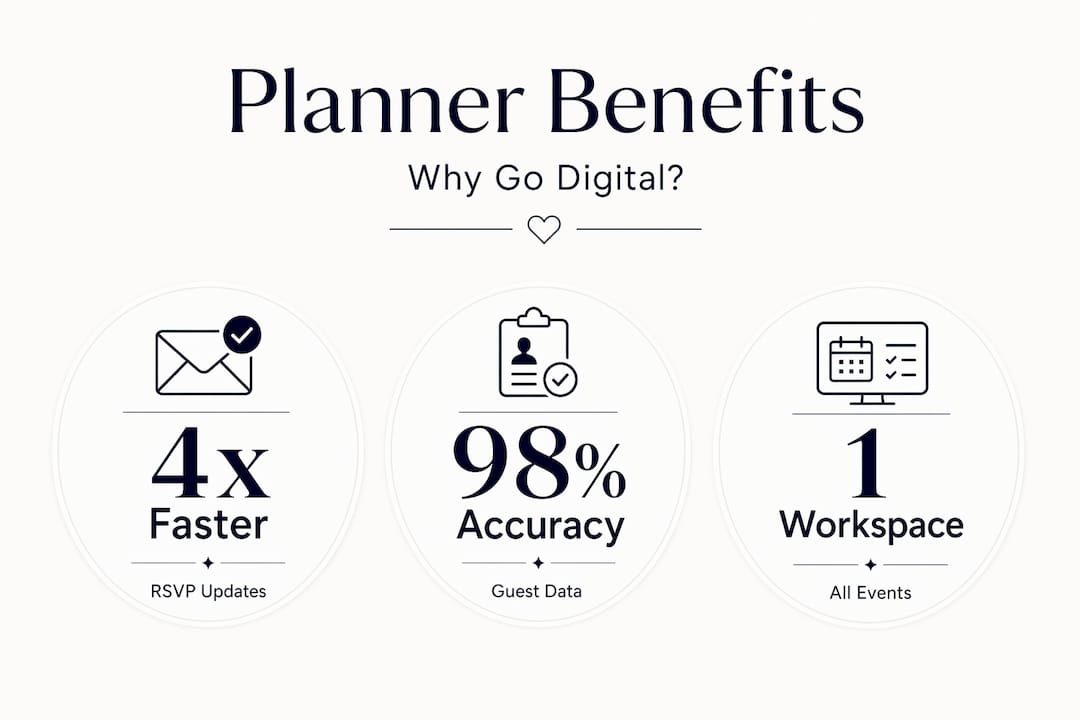
Not every wedding guest management tool is built for professional planners managing multiple events. Some are built for couples planning their own wedding. The features that matter to you as a coordinator are different, and evaluating tools through that lens saves you from adopting software that creates new problems.
| Feature | What to look for |
|---|---|
| RSVP tracking | Real-time updates, unique guest links, automated reminders |
| Seating chart integration | Live sync with guest list, conflict detection, dietary flagging |
| Import and export | CSV/Excel import with duplicate detection, filtered vendor exports |
| Communication tools | Built-in email or WhatsApp outreach, message logging |
| Team access | Multi-user editing, role-based permissions |
| Scalability | Handles 50-guest micro-weddings and 500-guest events equally |
| Pricing | Free tiers for smaller events, scalable paid plans for agencies |
The RSVP tracking features matter most in the weeks before the event. Look for systems that send automated follow-ups rather than just surfacing a list of non-responders and leaving the chasing to you.
Compatibility with your existing workflow matters too. If your team uses a planning dashboard for timelines and vendor coordination, a guest management tool that integrates with it, or is part of the same platform, will always be more practical than a standalone app that requires a separate login and manual data transfers.
Pro Tip: Before committing to any tool, test the guest import with a real CSV from a previous wedding. How the system handles duplicate emails and missing fields tells you more about its reliability than any feature list will.
For teams exploring options, the QR-based seating technology from SvenStudios offers an interesting complement for on-site check-in and seat confirmation, particularly useful for larger events with complex floor plans.
Practical tips for getting the most out of your system
Adopting the software is the easy part. Getting the full benefit requires a few intentional habits from the start of each event.
- Start with a clean import. Before adding a single guest, resolve any duplicates or incomplete records from your source file. Centralizing RSVP information prevents the data messiness that happens when you track the same guest in multiple places.
- Customize your RSVP form for each event. Every wedding has different data needs. Some couples need a kids’ meal option. Others need shuttle preferences or accessibility information. Build the form to capture what matters for that specific event rather than using a generic template.
- Treat the guest list as the primary document. All seating assignments, catering counts, and place card lists should flow from the guest list, not the other way around. When the guest list is authoritative, every downstream document stays accurate automatically.
- Use automated reminders before your RSVP deadline. Setting two reminders, one a week before and one two days before, typically recovers most non-responses without requiring individual outreach from your team.
- Train every team member who touches the file. Real-time collaborative editing only works if everyone follows the same conventions for naming, grouping, and tagging guests. A five-minute onboarding session at the start of each event prevents weeks of cleanup later.
My honest take on making the switch
I’ve seen planners resist adopting digital guest management tools for the same reasons most people resist changing any working system. Spreadsheets feel familiar, controllable, and free. I understand the logic. What I’ve learned, though, is that the feeling of control a spreadsheet gives you is not the same as actually having control.
What I’ve found in practice is that the errors that cause the most damage on event day, wrong meal tickets, missed dietary flags, guests at the wrong tables, almost never come from not knowing what to do. They come from information living in too many places at once. A spreadsheet is only as good as the last person who updated it and the last email they remembered to check.
What genuinely surprised me after working with integrated systems was how much the client relationship improved. Couples who could log in and watch RSVP progress in real time asked far fewer status questions. That alone was worth the transition.
My honest advice: don’t evaluate these tools by how much they cost compared to a free spreadsheet. Evaluate them by the cost of a single seating error on a 200-person wedding day. The math changes immediately.
— JOATLABS
Plan your next wedding with Thespecialwedding
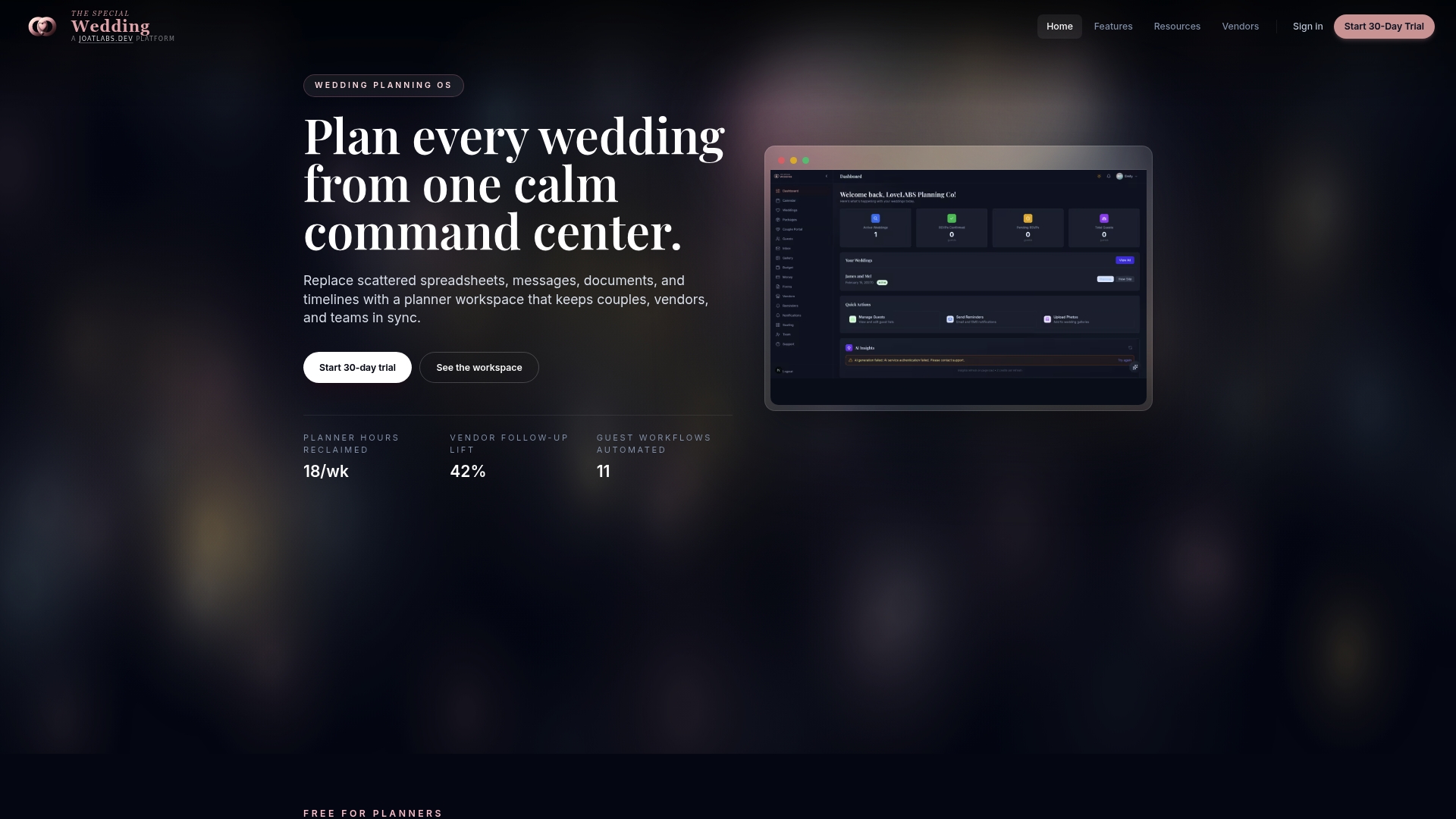
Thespecialwedding brings guest management, seating coordination, vendor communication, and client portals into one workspace built specifically for professional planners. You don’t have to cobble together separate tools for every function. Explore the vendor directory to find trusted partners for every event need, from catering to event rentals. The platform is designed to scale with your business, whether you’re managing three weddings a season or thirty. If you’re ready to replace scattered tools with a single professional workspace, Thespecialwedding is worth a close look.
FAQ
What is a wedding guest management system?
A wedding guest management system is a digital platform that centralizes guest contact data, automates RSVP tracking, captures dietary and accessibility information, and syncs guest records with seating arrangements and vendor logistics in one place.
How does a guest RSVP tracking tool work?
Most systems send each guest a unique RSVP link via email or messaging apps. When guests respond, their status updates instantly in your dashboard, including meal choices and plus-one details, without any manual data entry from your team.
Can a guest management system handle seating charts?
Yes. Many systems sync guest lists with seating arrangements automatically, updating seat availability when RSVPs change and flagging conflicts like dietary mismatches or separated family groups before the chart is finalized.
What should planners look for when choosing event guest management software?
Prioritize real-time RSVP tracking, CSV import with duplicate detection, seating chart integration, team access with role permissions, and the ability to export filtered guest data for vendors. Scalability across event sizes is also worth confirming before committing.
Is a dedicated wedding planning guest list tool better than a spreadsheet?
For solo planners managing one event at a time, a spreadsheet might feel sufficient. For coordinators running multiple weddings simultaneously, a dedicated tool eliminates version conflicts, automates follow-ups, and keeps every downstream document, from seating to catering counts, accurate without manual updates.
Recommended
- Manage wedding guest lists without staff | The Special Wedding Blog
- Wedding RSVP Tracking System: Your 2026 Planning Guide | The Special Wedding Blog
- Wedding coordinator’s role in vendor scheduling | The Special Wedding Blog
- Wedding planner workspace explained: boost multi-event ops | The Special Wedding Blog
Free wedding planner templates
Skip the blank page — these templates ship with the form fields you actually need.
Browse all 9 free templates →