Why Vendors Use Shared Wedding Timelines
Why Vendors Use Shared Wedding Timelines
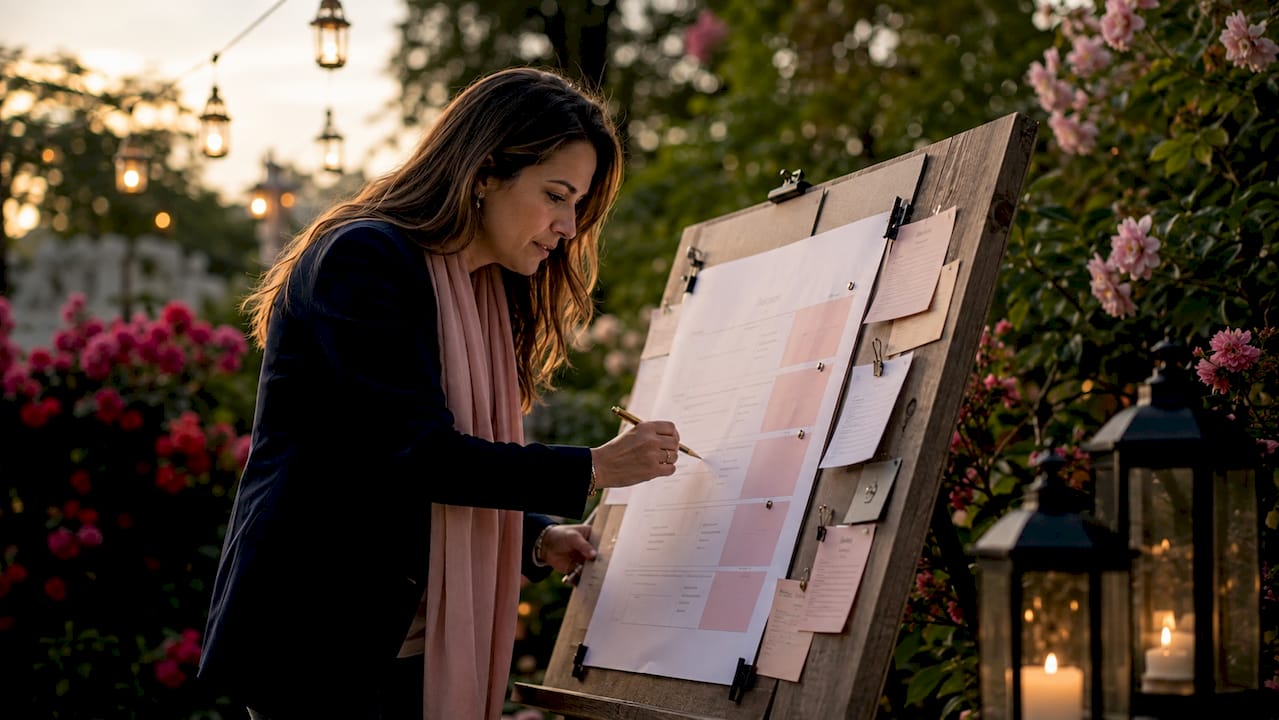
A shared wedding timeline is a single, accessible schedule that every vendor on a wedding day works from simultaneously. The industry term for this document is a “master event timeline,” and it functions as the operational backbone of any well-run wedding. Planners who distribute it correctly report fewer last-minute calls, faster setup completion, and far less day-of chaos. The core reason why vendors use shared wedding timelines is simple: when every vendor reads from the same version, mismatched assumptions disappear. Tools like EventRundown and platforms like Thespecialwedding exist specifically to make that distribution reliable and current.
Why shared wedding timelines prevent delays and manage task dependencies
The number one reason events run late is vendors operating from different schedules. Each vendor fills in the gaps with their own assumptions, and those assumptions rarely match. The result is a cascade of delays that compounds through the entire day.
Dependency chains make this problem concrete. Consider a typical ceremony-to-reception transition:
- Rental company delivers chairs and linens. This must happen before any other setup begins.
- Florist arranges centerpieces. The florist cannot start until tables are in place.
- Photographer sets up detail shots. The photographer needs florals complete before shooting table details.
- Caterer begins plating. The kitchen crew needs the dining room clear of setup vendors first.
- Couple enters the reception. Every prior step must be complete for this moment to land on time.
A 30-minute rental delay cascades directly into the florist’s start time, then the photographer’s shot list, then the caterer’s service window. None of those vendors caused the delay, but all of them absorb it. A shared timeline makes these dependencies visible so every vendor understands what they are waiting on and what others are waiting on them to finish.
Building explicit dependency chains lets planners adjust related vendor timing proactively rather than reactively. When the rental company calls to say they are running 20 minutes late, a planner with a dependency-mapped timeline can immediately notify the florist and photographer. Without that map, the planner is making phone calls blind.
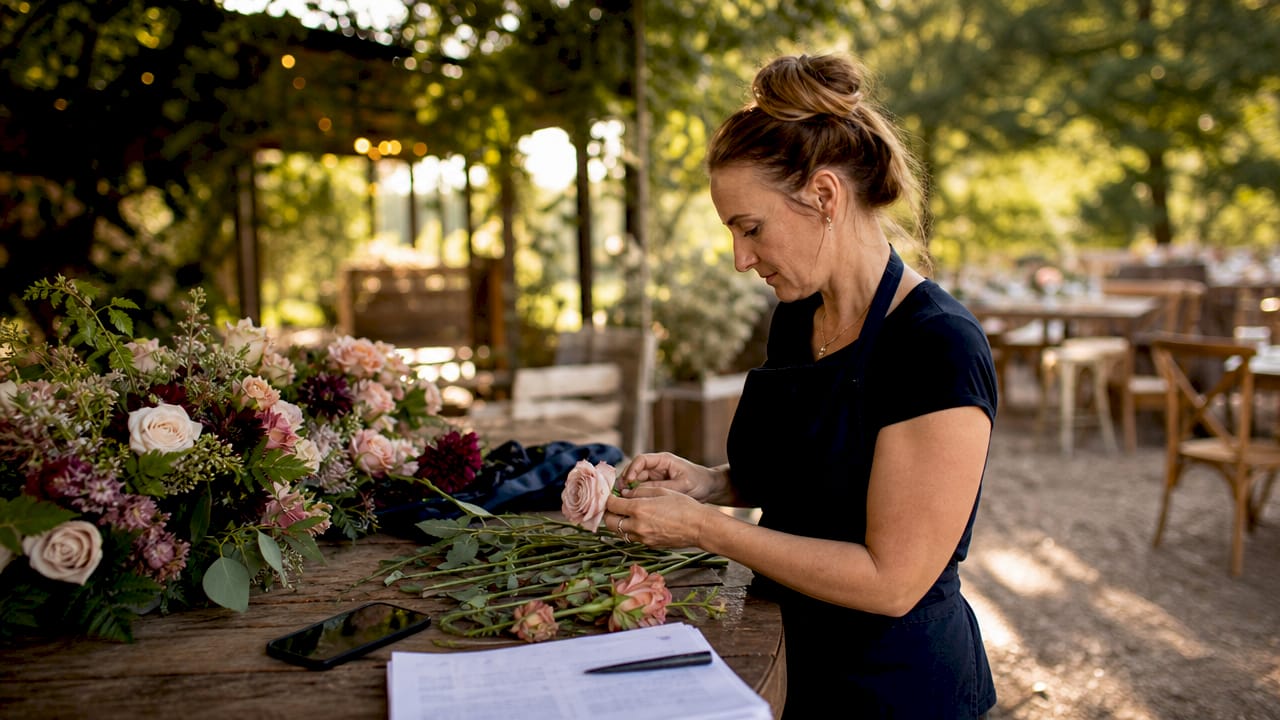
Pro Tip: Add a 15-minute buffer between major event segments such as ceremony end and cocktail hour start. These buffers are invisible to guests but absorb the small slippages that accumulate throughout the day.
Best practices for sharing and updating timelines with vendors
How you distribute the timeline matters as much as what it contains. A PDF attached to an email three weeks before the wedding is not a shared timeline. It is a static document that will be outdated before the event begins.
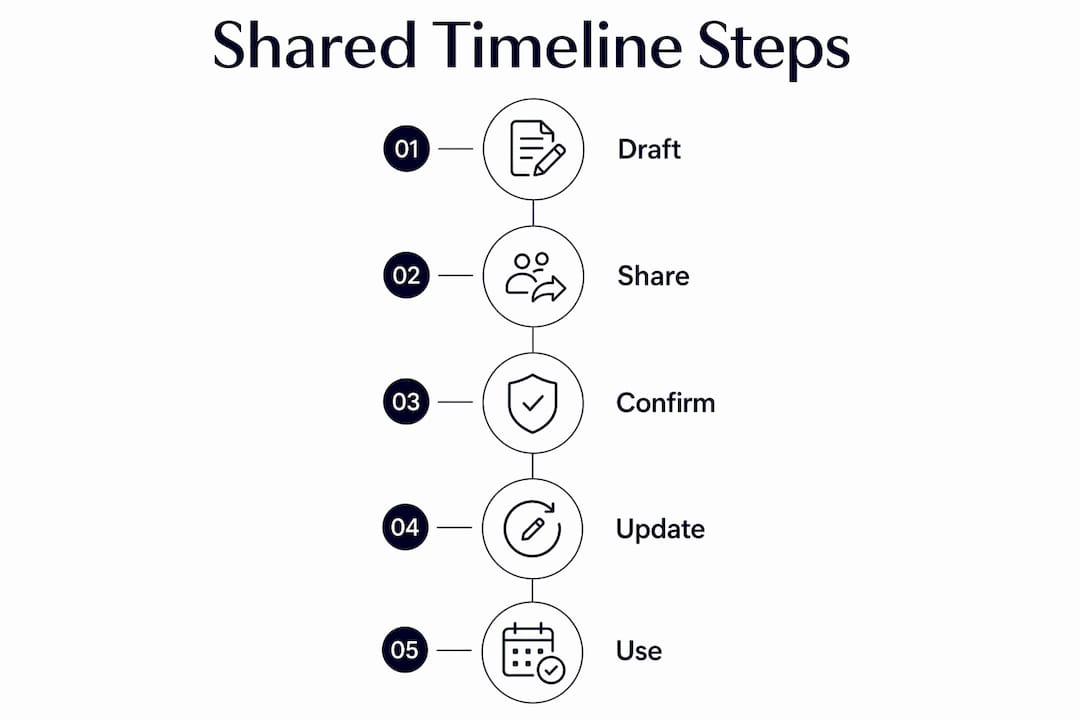
The most effective format comparison looks like this:
| Format | Accessibility | Update control | Day-of usability |
|---|---|---|---|
| PDF via email | Low (buried in inbox) | None after sending | Poor (requires printing) |
| Shared Google Doc | Medium (requires account) | Manual, no notifications | Moderate |
| Hosted timeline link | High (phone-friendly URL) | Real-time, one source | Excellent |
| Printed copy | High on-site | None after printing | Good as backup only |
Vendors are far more likely to follow a timeline shared as a hosted link they can open on their phone at load-in. A PDF buried in a three-week-old email thread does not get checked at 7:00 a.m. on a Saturday. A link bookmarked on a phone does.
Timing your distribution correctly also matters. Send the first draft about two weeks before the event so vendors can flag conflicts while there is still time to adjust. Send the finalized version around three days before the event so everyone has the confirmed schedule fresh. Each version should include vendor-specific load-in times, the name and phone number of the day-of contact, and explicit cue times for each service.
Pro Tip: Treat version control as a communication act. When you update the timeline, send a brief message to all vendors noting what changed. This prevents vendors from relying on an outdated version they already saved.
What key elements do vendors need on a shared timeline?
Vendors do not need the full master timeline. They need their portion of it, presented clearly. Information overload causes vendors to skim past the details that matter most to them. Sharing only vendor-specific tasks improves both comprehension and adherence.
Every vendor-facing timeline section should include:
- Arrival time and load-in window. State the exact time the vendor may enter the venue, not just a general “morning setup” window.
- Setup completion checkpoint. Specify when setup must be finished, not just when it starts. A florist who arrives at 10:00 a.m. needs to know that setup must be complete by 11:30 a.m.
- Event cues and service start times. The DJ needs to know when the couple enters, not just when the reception begins. The caterer needs to know when toasts end, not just when dinner service starts.
- Day-of contact information. Vendor contact routing details specify who to call for timing questions, venue access issues, or setup conflicts. Misrouted calls waste critical minutes.
- Verification checkpoints. Schedule a “setup complete” confirmation time for each vendor. This gives the planner early warning if someone is running behind.
Verification milestones such as “florist setup complete by 11:30 a.m.” give the planner evidence of progress rather than assumptions. A planner who checks in at 11:30 a.m. and finds the florist still working has 30 minutes to adjust the photographer’s schedule. A planner who assumes everything is fine until the couple walks in has no options left.
You can also use filtered timeline views to share only the relevant sections with each vendor. This keeps the document clean and prevents vendors from getting distracted by tasks that have nothing to do with their service.
Common communication pitfalls with shared timelines
The biggest mistake planners make is treating the timeline as a document rather than a communication system. Timelines must be actively managed with confirmation calls, update notifications, and real-time adjustments. Sending a file and assuming everyone read it is not coordination. It is wishful thinking.
Common pitfalls that cause day-of chaos include:
- Assuming “arrival time” means “ready to work.” A vendor who arrives at 9:00 a.m. may not have equipment unloaded until 9:45 a.m. Clarify what “arrival” means for each vendor type.
- Skipping vendor feedback on the draft timeline. Sending a timeline for acknowledgment is not the same as asking vendors to flag conflicts. Invite explicit feedback on the draft version.
- Failing to confirm receipt. Sending the timeline does not mean the vendor received it, opened it, or understood it. A brief confirmation call or reply request closes that gap.
- Using the same timeline format for every vendor. A photographer needs cue times and lighting windows. A caterer needs service start times and guest count confirmations. One-size formats create confusion.
- Not updating vendors after changes. Late-breaking changes to ceremony length or reception order affect multiple vendors. A change communicated to one vendor but not others creates misalignment.
Experienced coordinators clarify assumptions explicitly about what “ready” means for each vendor. When a planner asks a florist “what does setup complete look like for you at 11:30 a.m.?” the answer often reveals a gap between the planner’s expectation and the vendor’s plan. Catching that gap two weeks before the wedding costs nothing. Catching it at 11:45 a.m. on the wedding day costs everything.
Pro Tip: Schedule a 10-minute confirmation call with each key vendor three days before the event. Use the finalized timeline as the agenda. This call catches last-minute conflicts and confirms that every vendor has the correct version.
The role of a timeline manager is not just to create the document. It is to own the communication process around it from first draft to day-of execution.
Key Takeaways
Shared wedding timelines work because they replace individual vendor assumptions with a single, verified schedule that every team member operates from.
| Point | Details |
|---|---|
| Single source of truth | All vendors reading the same timeline eliminates mismatched assumptions and reduces confusion. |
| Dependency mapping | Explicit task sequences let planners adjust related vendor timing before delays cascade. |
| Hosted links over PDFs | Phone-accessible links get checked on-site; static PDFs get ignored after the first read. |
| Filtered vendor views | Sharing only relevant tasks improves comprehension and keeps each vendor focused. |
| Active communication | Confirmation calls and update notifications turn a document into a working coordination system. |
The timeline is an operational tool, not a formality
After working with planners who manage dozens of weddings per year, one pattern stands out clearly. The planners whose events run smoothly do not have better vendors. They have better communication systems around their timelines.
The shift that makes the biggest difference is moving from “I sent the timeline” to “I confirmed the timeline.” Those are two completely different actions. A PDF sent three weeks ago is not a coordination tool. A hosted link confirmed by phone three days before the event, with a clear change-log and a named day-of contact, is.
I have also seen how much damage unspoken assumptions cause. A caterer who assumes “dinner service starts at 7:00 p.m.” and a planner who expects “first course on tables by 6:50 p.m.” are not aligned. Neither is wrong. They just never compared notes. The timeline is the place where those assumptions get made explicit, tested, and corrected before they become problems.
The vendors who trust and follow timelines are the ones who received timelines designed for their reality. Load-in windows, cue times, contact names, and setup checkpoints. Not a generic schedule built around the couple’s experience. When you build the timeline for the vendor’s operational needs, the vendor uses it. That is the whole game.
— JOATLABS
How Thespecialwedding supports vendor timeline coordination
Coordinating a wedding across six or eight vendors requires more than a well-built document. It requires a system that keeps every vendor, timeline, and communication thread in one place.
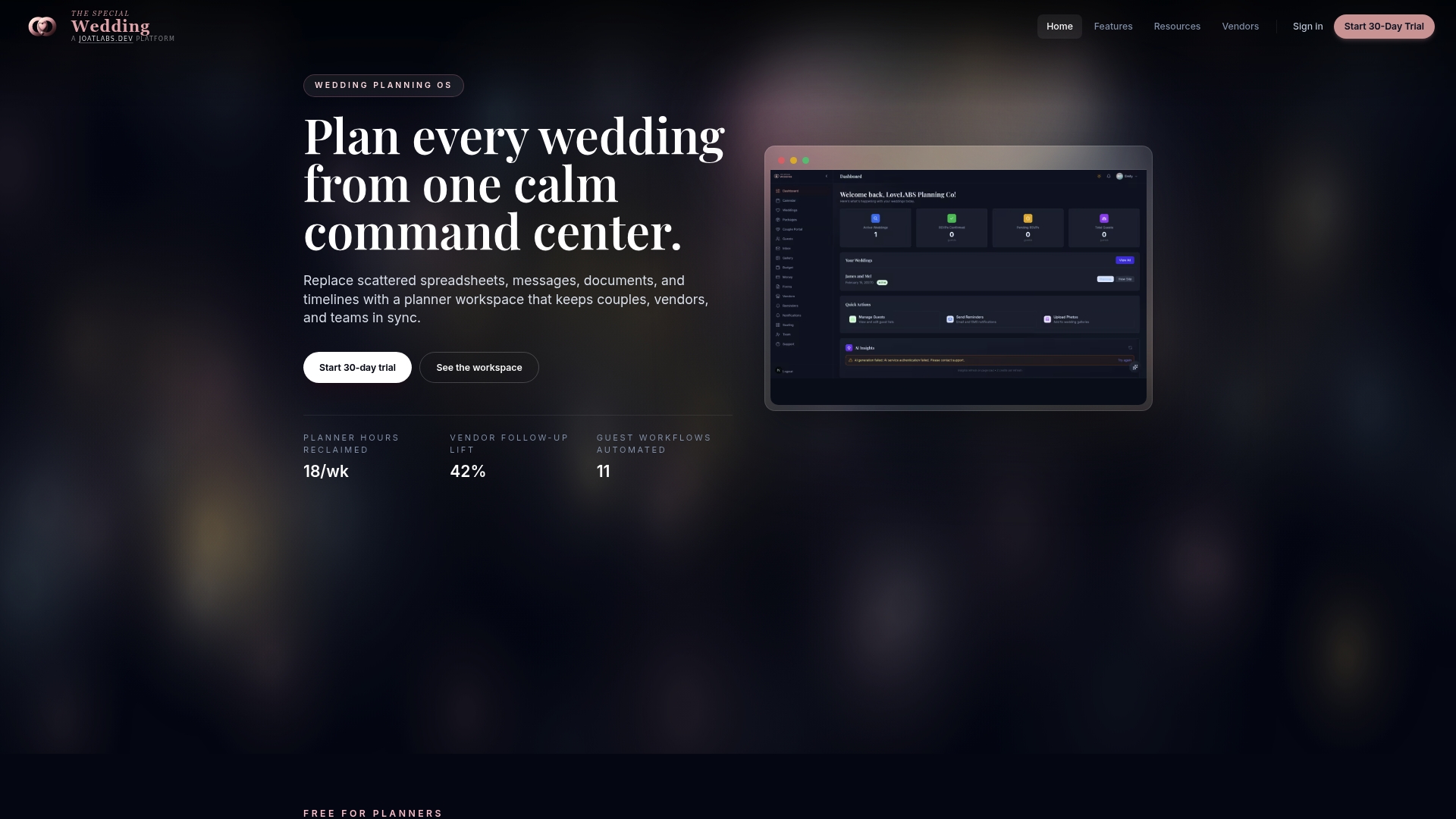
Thespecialwedding is built for professional planners who manage multiple events and need vendor coordination to work without constant manual follow-up. The platform’s vendor directory connects planners with local vendors across categories including catering, rentals, DJs, and decorators, all within the same workspace where timelines live. You can manage vendor onboarding, share event schedules, and track confirmation status without switching between tools. For planners who want to move faster and communicate more clearly with their vendor teams, Thespecialwedding provides the infrastructure to make that happen at scale.
FAQ
What is a shared wedding timeline?
A shared wedding timeline is a single master schedule distributed to all vendors before the wedding day. It serves as the operational reference for load-in times, setup checkpoints, event cues, and day-of contacts.
Why do vendors prefer shared links over PDF timelines?
Vendors are more likely to check a timeline shared as a hosted link because it is accessible on their phone at load-in. PDFs sent weeks earlier get buried in email and often reflect outdated information.
When should planners send the timeline to vendors?
Send the first draft about two weeks before the event so vendors can flag conflicts. Send the finalized version around three days before the event to confirm the schedule is current.
How do shared timelines prevent cascading delays?
Shared timelines map task dependencies explicitly, so when one vendor runs late, the planner can immediately notify every vendor whose work depends on that task being complete.
What information should every vendor receive on the timeline?
Every vendor needs their arrival window, setup completion checkpoint, event cue times, and the name and phone number of the day-of contact. Sharing only vendor-relevant tasks improves focus and reduces confusion.
Recommended
- How to Share Wedding Event Timeline with Vendors | The Special Wedding Blog
- Wedding coordinator’s role in vendor scheduling | The Special Wedding Blog
- Wedding Timeline Template Examples for a Stress-Free Day | The Special Wedding Blog
- Solo Wedding Planner Organization Tips That Work | The Special Wedding Blog
Free wedding planner templates
Skip the blank page — these templates ship with the form fields you actually need.
Browse all 9 free templates →